Bridging iOS and Android
A concise guide explaining a 5-way approach to bridge iOS and Android apps using Kotlin Multiplatform Mobile with Swift and Kotlin.

Bridging iOS and Android
E N D
Presentation Transcript
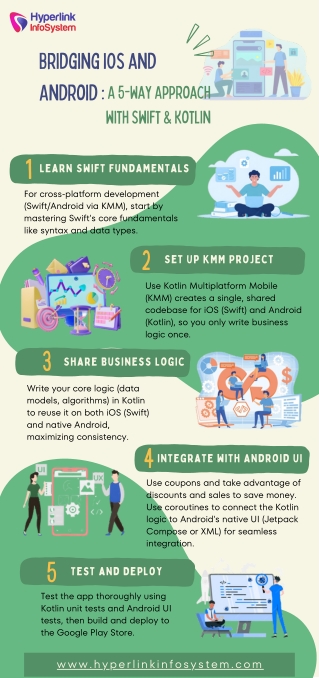
Bridging iOS and Android :A 5-Way Approach with Swift & Kotlin 1 For cross-platform development (Swift/Android via KMM), start by mastering Swift's core fundamentals like syntax and data types. Learn Swift Fundamentals 2 Use Kotlin Multiplatform Mobile (KMM) creates a single, shared codebase for iOS (Swift) and Android (Kotlin), so you only write business logic once. Set Up KMM Project 3 Share Business Logic Write your core logic (data models, algorithms) in Kotlin to reuse it on both iOS (Swift) and native Android, maximizing consistency. 4 Use coupons and take advantage of discounts and sales to save money. Use coroutines to connect the Kotlin logic to Android's native UI (Jetpack Compose or XML) for seamless integration. Integrate with Android UI 5 Test and Deploy Test the app thoroughly using Kotlin unit tests and Android UI tests, then build and deploy to the Google Play Store. www.hyperlinkinfosystem.com