Progressive Web App Development A Comprehensive Guide
Progressive web app creation is transforming the digital world by integrating web and Android applications. These include impressive speed and reliability, providing offline access as well as push notifications to make user experiences more engaging on every device or platform. By implementing PWAs, you can greatly enhance your app's performance, improve its security features and broaden its reach, thus giving yourself a competitive edge against others.

Progressive Web App Development A Comprehensive Guide
E N D
Presentation Transcript
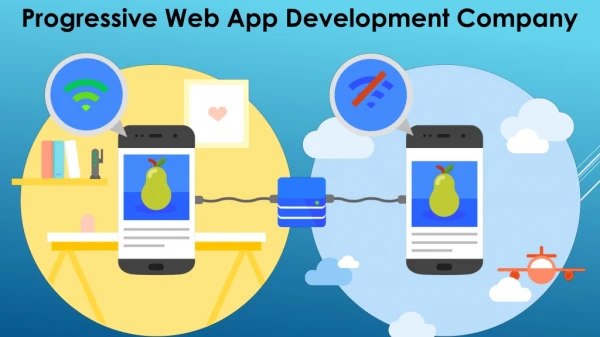
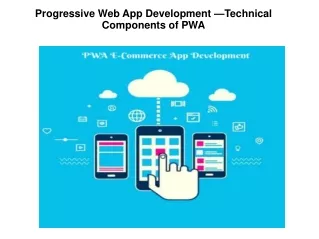
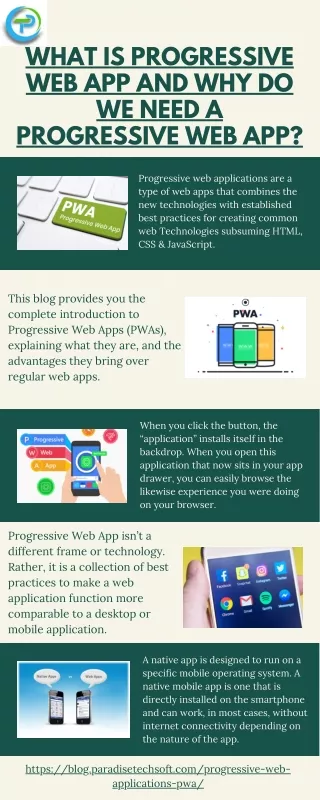
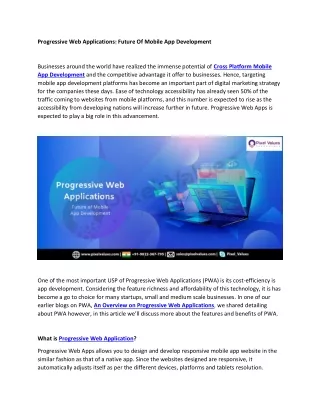
Blog Content: Tittle: Progressive Web App Development: A Comprehensive Guide The course will cover core technologies, development steps, and future directions. Whether you're a business owner, developer, or enthusiast, gaining insights will enhance your understanding of contemporary app development. What are the progressive applications? Progressive web based applications provide a native app-like experience. They employ state-of-the-art technologies to create a user experience that is engaging and reliable, seamlessly integrating various elements. Built with standards such as HTML and CSS, JavaScript offers advanced features, such as offline functionality. Push notifications. Quick loading has advantages. Service workers handle background tasks, Data synchronization ensures that users can access and interact with content across various devices. Progressive Web Apps: Key Features 1. Installation: Users can add PWAs directly to their device’s home screen, allowing for simple access without needing to visit an app store. This feature streamlines the user experience by integrating the app into the device’s home environment. 2. Cross-Device Functionality: PWAs operate smoothly across different types of devices and operating systems, including computers, tablets, and smartphones. This versatility ensures a unified experience no matter the device used. 3. Economic Development: Creating a Progressive web app is often more affordable than developing separate native apps for various platforms. With a single codebase to manage, both initial development and ongoing maintenance costs are reduced. 4. Offline Access: PWAs can function without an active internet connection. They use service workers to handle background tasks such as caching content and synchronizing data, ensuring continued usability even when offline. Future Trends in PWA Development Compatibility: It ensures seamless operation across a range of devices, including desktops, tablets, and This universality minimizes the need for separate efforts on each platform. each platform.
Enhanced Security: Secure interactions between applications, delivered over HTTPS, also contribute to stability by managing caching. A unified code base helps cut down maintenance costs. Core Technologies Behind Workers: These scripts independently manage page updates, enabling capabilities. It allows you to add home screens. customize appearance HTTPS: By preventing unauthorized access, the exchange server client protects information. The principles of responsive design should be incorporated, as they work effectively across various screen sizes. improving accessibility.The Shell Model uses a pattern to distinguish between static and dynamic interfaces. We cache essential UI components. fetch needed. Development Process Planning Strategy: Define objectives Determine target audience functionalities. Develop a project plan outlining timelines and goals. Create wireframe mockups, the app's layout, Aim intuitive provides consistent various Development: Start coding. Implement service Use manifest installation customization. Testing: Thoroughly test it performs browsers Evaluate performance. offline security Address any issues that arise. Deployment: Launch using Ensure search engine index Maintenance Updates: Monitor PWA’s performance feedback. Regularly update, improve, and fix bugs. introduce new Keep current future trends Experiences should continue to evolve, offering sophisticated, tailored experiences. Look for advancements and integration. Integration Native Features: increasingly leveraging devices biometric authentication sensors and camera enhancement. Growing Adoption: As businesses recognize the benefits, we anticipate a surge in adoption as they become preferred solutions that deliver high-quality multiple singles. Performance Improvements: Ongoing optimization methods lead to even faster, reliable Expect enhancements. Responsiveness overall efficiency Broader Support: Increased popularity leads to greater support from manufacturers, and increased compatibility encourages wider adoption. Focus Accessibility: There should be a stronger emphasis on making accessible to all, including those with disabilities. Improved inclusiveness and usability
Conclusion Revolutionizing digital merging With improved cross-platform compelling options, aiming engagement to stay competitive By utilizing a structured approach, we can build and deliver significant value. Technology continues to play a vital role in shaping the future.