Download
1 / 8
80 likes | 138 Vues
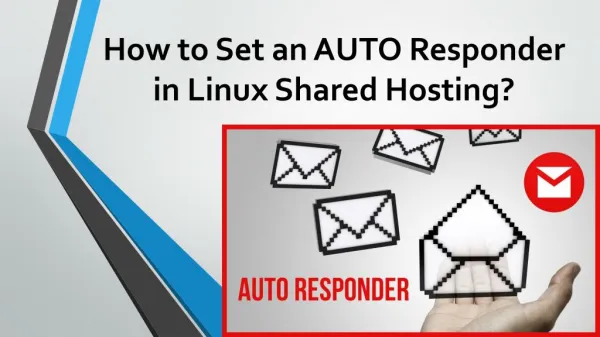
Send an auto reply to emails received , so they know that you had received there email.You should have email id and password of your email address before going further.

E N D
a. Interval: After how much time user should get your email. Leave it blank for sending auto responder as soon as email is receivedb. From : Your Name or Company Namec. Subject : Something like Thanks for Email.d. Body: Content you want to send , to email sender.e. Start : From when you want the auto responder to work if you want to start it now then choose Immediately.f. Stop: Any end date or choose never to run it forever.You can login and change these settings anytime.
Note: Steps are valid for:Linux Shared HostingLinux Reseller HostingSmall Business HostingCorporate HostingWordPress HostingCpanel/WHM Hosting