Web Designing Course ppt
Learn Web Designing u2013 Build Creative & Professional Websites<br><br>A Web Designing Course is the perfect choice for anyone who wants to create stunning, user-friendly, and responsive websites. In this course, you will learn:<br><br>HTML, CSS, and JavaScript u2013 the foundation of every website.<br><br>Responsive Design u2013 so your websites work on mobiles, tablets, and desktops.<br><br>UI/UX Basics u2013 design websites that look attractive and are easy to use.<br><br>Graphic Tools like Photoshop & Figma for web layouts.<br><br>Real Projects u2013 gain hands-on experience by designing live websites.<br><br>ud83dudca1 Whether you are a student, job seeker


Web Designing Course ppt
E N D
Presentation Transcript
Web Designing Course “Design Your Future with Creativity & Code”👉 Offered by GTB Computer Educationhttps://gtbinstitute.com/web-designing-course-training-jalandhar (GTB Computer Education)
Introduction • The internet is powered by websites 🌐 • Every business needs a professional web presence • Skilled web designers are always in demand • Learn to design modern, responsive, and creative websites
Why Learn Web Designing? • High-paying career opportunities 💰 • Freelancing & remote work options • Start your own web design business • Strong foundation for digital marketing & IT
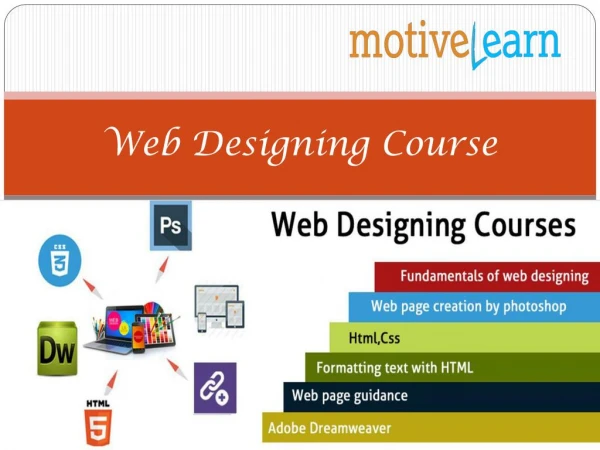
What You’ll Learn • HTML5 & CSS3 basics to advanced • Responsive Design with Bootstrap • JavaScript & jQuery for interactivity • UI/UX principles for modern design • Basics of WordPress & CMS tools
Career Opportunities • Web Designer • Front-End Developer • UI/UX Designer • Freelancer / Entrepreneur • Digital Agency Partner
Why Choose GTB Computer Education? • 25+ Years of Training Excellence • Industry Expert Trainers 👨 • Live Project Work & Portfolio Building • 100% Job Assistance • Trusted by thousands of students
Course Duration & Mode • Duration: 3–6 Months (Flexible) • Mode: Classroom & Online Training • Eligibility: 10+2 or Graduate (Basic Computer Knowledge Required)
Student Success Stories ✨ Students placed in top IT companies✨ Many started freelance careers✨ Alumni working worldwide