
Understanding Computer Hardware: Simple Lessons for Young Learners
E N D
Presentation Transcript
Inside the computer Hardware Lessons
Learning objectives • Understand that computers process data. • Know the basic components of a computer and how they work together. • Keywords: Central Processing Unit (CPU), memory, Basic Input Output System (BIOS). Process: A series of actions taken to change something
Process You press the Q key Data for the Q key is input into the computer.
Process The computer the takes input and processes it changing it into an output. The computer sends an output to tell the monitor to print a Q.
Process The monitor gets the data telling it to print Q. Q is shown on the screen.
What happens inside the computer to make an input into an output?
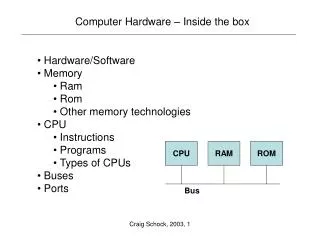
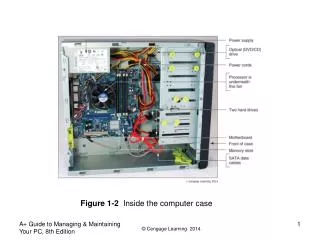
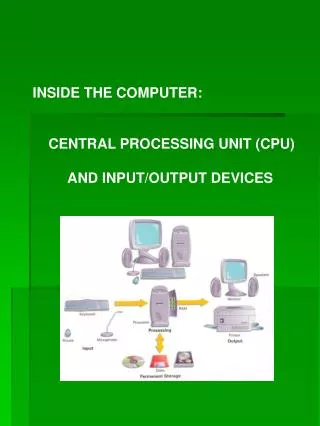
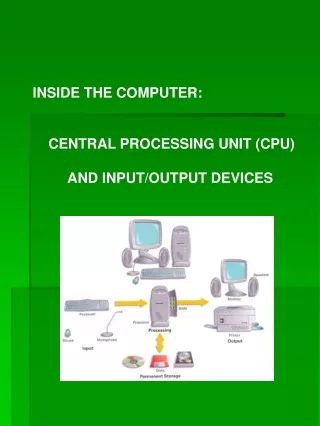
Inside a computer Central Processing Unit Main memory Output Input BIOS Basic Input Output System
Inside the computer worksheet • Watch the video again and complete the “inside the computer” worksheet. • Choose the correct answer and check the box next the to correct answer.
Story board • Arrange the pictures and text to retell the cartoon. OR • Write your own captions for the pictures to retell the cartoon.
Computer storybook In groups of 2 or 3 write you own story to help young children learn about how computers work. • Success criteria • Original story. • Simple language and explanations for young children. • Pictures to illustrate your story.
QUIZ • Complete the Computer Hardware quiz.
Plenary • Share your story ideas.