Effective Use of Publisher: Tips for Organizing Content
Discover essential strategies for using Microsoft Publisher to optimize your content creation process. Learn how to utilize flashcards, formulas, recipes, and quizzes effectively. Use the side space to store text, graphics, and other elements for easy access. Avoid formatting issues by converting items to plain text. Additionally, explore how to group and ungroup elements for better movement and recoloring. Enhance your workflow by mastering these features and making your publishing projects more efficient.

Effective Use of Publisher: Tips for Organizing Content
E N D
Presentation Transcript
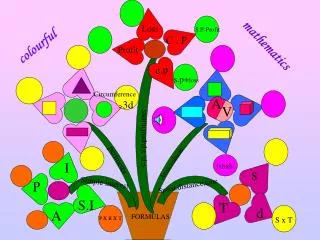
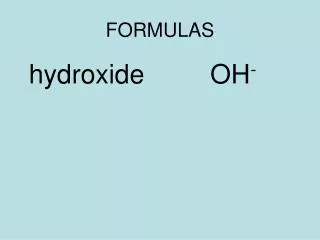
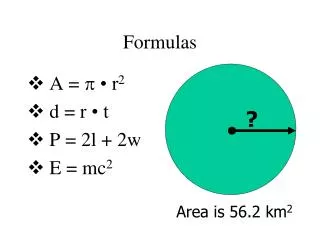
Flashcards Formulas
Recipes Name Tags Quizzes
Use the side space in Publisher to store text, graphics, etc. Convert items to Plain Text to avoid formatting issues. Group/Ungroup for easier movement, recoloring, etc. Look for this symbol! Click the down arrow & choose convert to plain text