5 Simple Steps to Create a Custom Badge
0 likes | 4 Vues
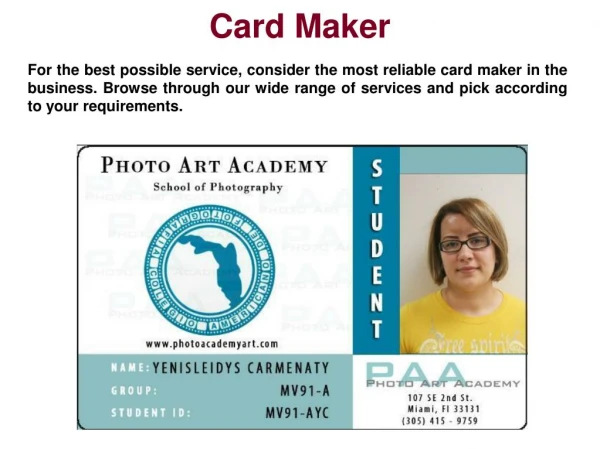
Custom badges are a great way to showcase branding, personalize events, or add a professional touch to name tags. Whether for corporate use, schools, or special occasions, digital printing makes the process easy and efficient. Follow these five simple steps to design and print high-quality custom badges.


5 Simple Steps to Create a Custom Badge
E N D
Presentation Transcript
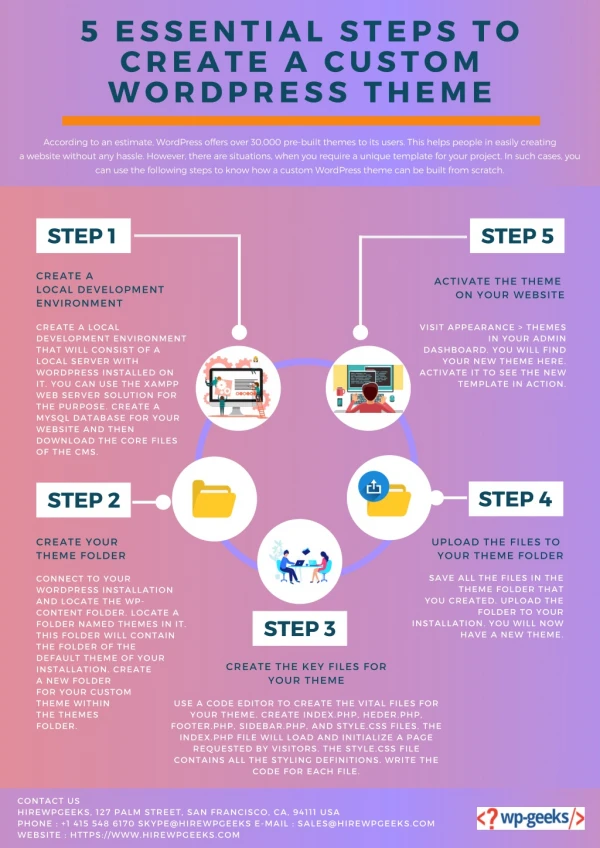
Quapri.in 5 SIMPLE STEPS TO CREATE A CUSTOM BADGE Create Your Badge Design Use design software like Canva, Adobe Illustrator, or CorelDRAW. Find the Right Digital Printer Look for nearby print shops that offer digital badge printing Search online printing services for bulk or custom orders. Choose the Right Printing Material PVC Cards Metal Badges Laminated Paper Cutting & Finishing Use a Digital Printer Inkjet or Laser Printer for paper-based badges. UV or Sublimation Printer for printing on plastic or metal. Laminate for extra durability and water resistance. Add a magnet, pin, or lanyard clip for easy wearing.