
Fatal Error: Failed to Open Required File in WordPress
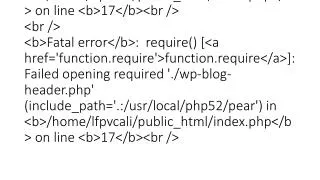
A critical error occurred while attempting to run the WordPress site. The system failed to locate and open the required file './wp-blog-header.php'. This issue is noted in the file located at '/home/lfpvcali/public_html/index.php' on line 17. It indicates that the specified file or directory does not exist, which could be due to missing files or improper configuration. To resolve this error, ensure that all necessary WordPress files are uploaded correctly and that the file permissions are set appropriately.

Fatal Error: Failed to Open Required File in WordPress
E N D
Presentation Transcript
<br /> <b>Warning</b>: require(./wp-blog-header.php) [<a href='function.require'>function.require</a>]: failed to open stream: No such file or directory in <b>/home/lfpvcali/public_html/index.php</b> on line <b>17</b><br /> <br /> <b>Fatal error</b>: require() [<a href='function.require'>function.require</a>]: Failed opening required './wp-blog-header.php' (include_path='.:/usr/local/php52/pear') in <b>/home/lfpvcali/public_html/index.php</b> on line <b>17</b><br />