
Comprehensive Guide to Completing Your Workout Modification Order Form
E N D
Presentation Transcript
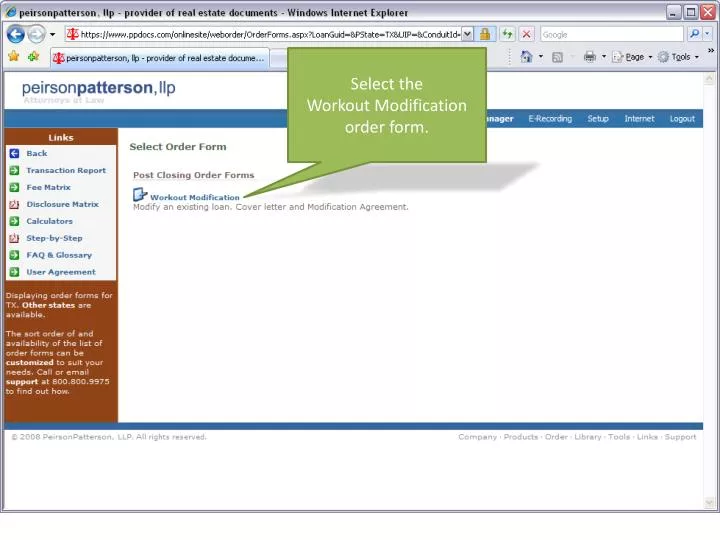
Click the ‘Open Order Form’ button to launch the order window.
Complete the information or use previously saved data from your address book. Click ‘Next’ to navigate to the next screen.
Enter the zip code and hit ‘F2’ to complete the city, state, and county. Click ‘Close’ to save and later return where you left off.
Enter borrower information and use more of our auto-complete features.
Can accommodate FNMA Fixed, Adjustable or Step Rate modifications.
Click on the individual documents you would like prepared or click ‘Select All’ at the top.
You can preview or remove documents prior to completing the documents.
Download your document package for viewing, printing, or saving. You can also e-mail your package with various security and delivery options.
Document packages are PDF documents and are bookmarked for easy viewing and printing.