
SlideServe
Menu
Préférences
© SlideServe · v2026

Home Theater Installer
audiovideoking avatar
10 diapositives · 411 Views · Jun 19, 2014

Audiovideoking.com provides Home Theater Installation services by experienced Professional Installers who are Insured and Certified.
Home Theater Installer - slide 1
01 / 10Home Theater Installer
1 / 17

Télécharger la présentation

Home Theater Installer
Une image / un lien ci-dessous est fourni (tel quel) pour télécharger la présentation

Politique de téléchargement : le contenu du site vous est fourni TEL QUEL pour votre information et votre usage personnel ; il ne peut être vendu, concédé sous licence ni partagé sur d’autres sites sans l’accord de son auteur.Le contenu vous est fourni TEL QUEL, pour votre information et votre usage personnel uniquement. Téléchargez la présentation en cliquant sur ce lien. Lors du téléchargement, si vous ne parvenez pas à télécharger une présentation, l’éditeur a peut-être supprimé le fichier de son serveur.Pendant le téléchargement, si vous ne parvenez pas à obtenir une présentation, le fichier a peut-être été supprimé par l’éditeur.

F I N

Plus de contenu associé

Transcription de la présentation
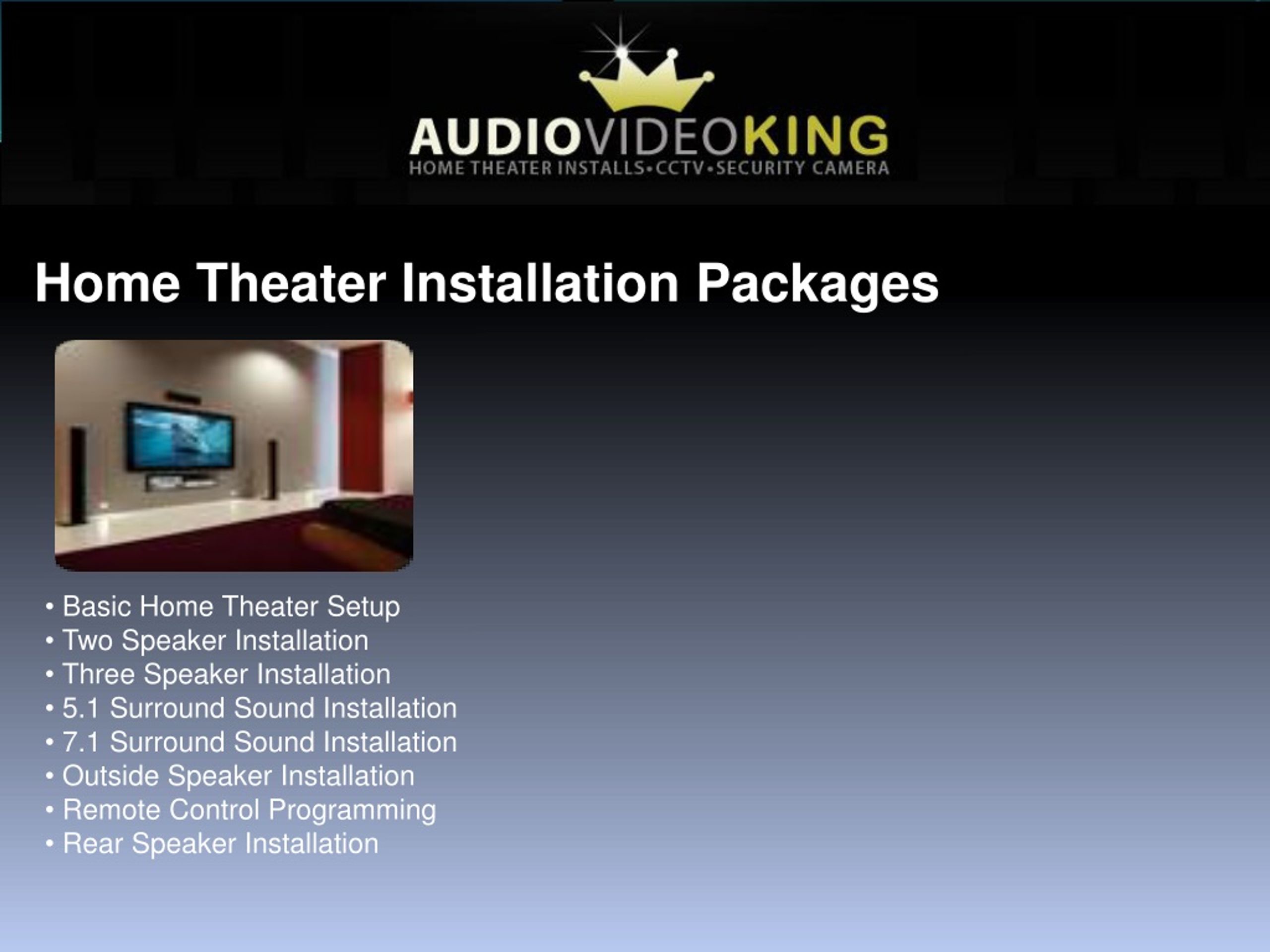
  1. Home Theater Installation Packages • Basic Home Theater Setup • Two Speaker Installation • Three Speaker Installation • 5.1 Surround Sound Installation • 7.1 Surround Sound Installation • Outside Speaker Installation • Remote Control Programming • Rear Speaker Installation

  2. Basic Home Theater Setup Includes Go over the Installation Procedure upon arrival in your house. Take Your new Home Theater System out of the box. Install and connect 3 components to your Home Theater System (Satellite Box or Cable Box, DVD Player and Xbox or Playstation) Install Speakers on the table top or on the surface mount (No wall mounting). All wires and cables to be neatly organized exposed. Clean out any Installation Debris. Program Remote Control. Teach Customer how to use their new Home Theater System. Does not Include Wall mounting of TV. Concealing any Speaker Wire. Approximate Time 1-1.5 Hrs

  3. Two Speaker Installation Includes Go over the Installation Procedure upon arrival in your house. Take your new speakers out of the box. Install Speakers in the wall or on the wall next to the TV. Hide all Speaker wire in the wall. Connect Audio Receiver to the two Speakers. Clean out any Installation Debris. Does not Include Wall mounting of TV. Approximate Time 1-1.5 Hrs

  4. Three Speaker Installation Includes Go over the Installation Procedure upon arrival in your house. Take your new speakers out of the box. Install Speakers in the wall or on the wall next to the TV. Hide all Speaker wire in the wall. Connect Audio Receiver to the three Speakers. Clean out any Installation Debris. Does not Include Wall mounting of TV. Approximate Time 1-1.5 Hrs

  5. 5.1 Surround Sound Installation Includes Go over the Installation Procedure upon arrival in your house. Take your new 5.1 Home Theater System out of the box. Install Speakers in the wall, on the wall or in the ceiling Hide all the speaker wire through the attic or crawl space. Connect Audio Receiver to the four Speakers and a sub woofer. Program your remote control. Clean out any Installation Debris. Teach Customer how to use their new Home Theater System. Does not Include Wall mounting of TV. Speaker Mounts.

  6. 7.1 Surround Sound Installation Includes Go over the Installation Procedure upon arrival in your house. Take your new 7.1 Home Theater System out of the box. Install Speakers in the wall, on the wall or in the ceiling Hide all the speaker wire through the attic or crawl space. Connect Audio Receiver to the six Speakers and a sub woofer. Program your remote control. Clean out any Installation Debris. Teach Customer how to use their new Home Theater System. Does not Include Wall mounting of TV. Speaker Mounts Approximate Time 5-6 Hrs

  7. Outside Speaker Installation Includes Go over the Installation Procedure upon arrival in your house Take your outdoor speakers out of the box. Install Outdoor Speakers on the wall or Patio. Make Sure all Speaker wires are neatly organized. Does not Include Speaker Mounts. Approximate Time 2-3 Hrs

  8. Remote Control Programming Includes Basic Remote Controls Only. Custom Remote Extra Program your Universal Remote for up to five Devices. Check the remote to make sure it is working. Teach Customer how to use their new Universal Remote Control.

  9. Rear Speaker Installation Includes Go over the Installation Procedure upon arrival in your house. Take your new speakers out of the box. Install Speakers in the wall or on the wall in the Rear. Hide all the speaker wire through the attic or crawl space. Connect Audio Receiver to the Speakers. Clean out any Installation Debris.

  10. Contact Us Los Angeles Address: 7119 W Sunset Blvd Los Angeles,CA,90046‎ (323) 332-6781 info@audiovideoking.com