Download
1 / 8
80 likes | 203 Vues
Project Share Gateway offers online support for high school students in Texas, focusing on college readiness in core subjects: English, Mathematics, Science, and Social Studies. It provides interactive lessons for English I, II, and III, along with additional resources to enhance learning. To get started, students must request a Project Share account through their District Project Share Coordinator or ESC contact. Upon receiving the activation email, students can activate their account and access training and support. For assistance, reach us at projectshare@tea.state.tx.us or follow us @projectsharetx.

E N D
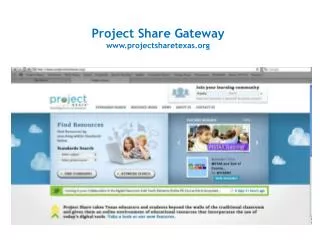
Project Share Gateway www.projectsharetexas.org
OnTRACK for College Readiness • Online support for high school students in • English • Mathematics • Science • Social Studies
OnTRACK Lessons for English Sample Courses • English I http://www.epsilen.com/crs/12110841 • English II http://www.epsilen.com/crs/12110864 • English III http://www.epsilen.com/crs/1114654
How do I get started? • Request a Project Share account • District Project Share Coordinator • ESC Project Share Contact • Receive account activation email • Activate account • Reset password • Contact ESC for training and support
Contact Us projectshare@tea.state.tx.us