Starter
This lesson focuses on understanding wages among individuals named Amy, Dan, and Aaron, emphasizing that Aaron earns the most and Dan earns the least due to their performance in school. Students will learn how to perform spreadsheet searches using single and multiple criteria, including wildcards, and sort data in various ways. The practical activities involve working with the "Database of Employees.xls" file, enhancing their spreadsheet skills through guided exercises found in specified lesson pages.

Starter
E N D
Presentation Transcript
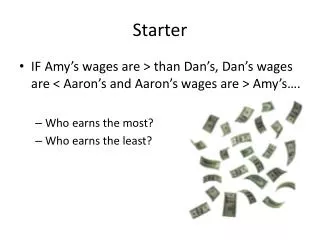
Starter • IF Amy’s wages are > than Dan’s, Dan’s wages are < Aaron’s and Aaron’s wages are > Amy’s…. • Who earns the most? • Who earns the least?
Starter - Answers • Aaron earns the most… As he worked hard at school! • Dan earns the Least… He misbehaved in school!
Lesson Objectives • Be able to perform spreadsheet searches using single and multiple criteria • Be able to search using wildcards. • Be able to sort data in a variety of ways.
Searching and Sorting • Open the following file: >Dept Share > ICT…etc… > Practical Skills > 14 – Spreadsheets > Lesson 4 - Sorting and Searching > Database of Employees.xls • Complete the following activities: • 14.11 – Pages 179-182 • 14.12 – Pages 183-184 • 14.13 – Page 184 • 14.14 – Pages 185-186 • 14.15 – Pages 187-188 • 14.16 – Page 188 • 14.17 – Pages 189-190 • Extension – Read and trial some of the skills on pages 190-192
Plenary What results would we get if we were to search this data with the following:
Plenary What results would we get if we were to search this data with the following:
Plenary What results would we get if we were to search this data with the following: *o*