Web-Based Tool and Why
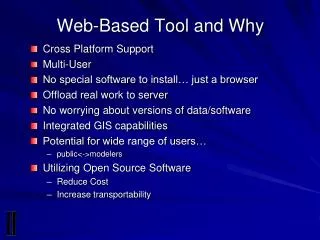
Explore the benefits of a web-based GIS tool that supports cross-platform use, enabling multi-user access without the need for special software installations. Users can harness server capabilities to manage data without worrying about software versions, offering integrated GIS functionalities and significant cost reductions. This tool is designed for a wide range of users, from the public to modelers, and utilizes open-source software to enhance transportability and minimize expenses. With a focus on common workflows, it streamlines data collection and modeling activities.

Web-Based Tool and Why
E N D
Presentation Transcript
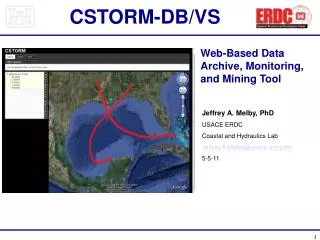
Web-Based Tool and Why • Cross Platform Support • Multi-User • No special software to install… just a browser • Offload real work to server • No worrying about versions of data/software • Integrated GIS capabilities • Potential for wide range of users… • public<->modelers • Utilizing Open Source Software • Reduce Cost • Increase transportability
Reduced Expense for Tight Budgets Software Expense Contracting/ Development Deployment and Hosting ???? (Flexibility) Standards Based – Transparent Development Standards Focused Open Development Community Building ???? (Flexibility) Common Workflows Fit Well With OS GIS Tools Data Collection Model Integration Web-Based DST’s ???? (Flexibility)
Explaining the Stack OS GIS Web Apps Mapserver, OpenLayers, etc. OS GIS Desktop Apps QGIS, GRASS, etc. OS GIS Base Tools (GDAL, OGR, PostGIS, etc.) OS Base Tools (Apache, Compilers, etc.) OS Core (Linux)
Users Modify Parameters Request Sent to Server Server Processes Request Results Populated In Database Results are spatially joined Maps and Data are Returned Users Visualize Results What We Have Done TISEC DSS Web
Simplified IDSS Architecture USER USER User Interface (ExtJS and Open Layers) Internet User Interface Layer Web Server (Apache) Map Server Framework (Django) Process Layer Tidal power calculations Module GIS Mapping & query tools (Mapserver) Data Layer Database (PostGIS) & File Server (Linux)