
Uploaded by
charla
1 SLIDES
152 VUES
20LIKES
How to embed the timer
DESCRIPTION
Learn how to easily embed a timer into your PowerPoint slides. Follow these simple steps: copy the provided timer code, paste it into your desired PowerPoint slide page, and remember that the timer won’t display until you enter "Slide Show" mode. Don't forget to check the box that says "I recognize this content." You can also customize the timer’s size by clicking and dragging to fit your slide perfectly. Enhance your presentations with timed elements to keep your audience engaged!
Download
1 / 1
Télécharger la présentation 
How to embed the timer
An Image/Link below is provided (as is) to download presentation
Download Policy: Content on the Website is provided to you AS IS for your information and personal use and may not be sold / licensed / shared on other websites without getting consent from its author.
Content is provided to you AS IS for your information and personal use only.
Download presentation by click this link.
While downloading, if for some reason you are not able to download a presentation, the publisher may have deleted the file from their server.
During download, if you can't get a presentation, the file might be deleted by the publisher.
E N D
Presentation Transcript
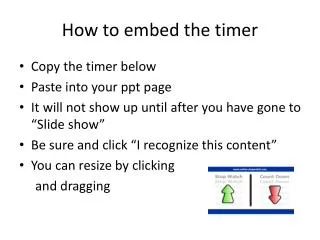
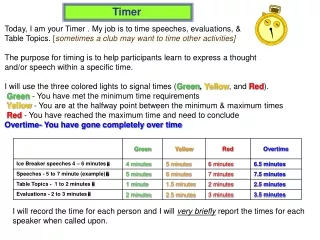
How to embed the timer • Copy the timer below • Paste into your ppt page • It will not show up until after you have gone to “Slide show” • Be sure and click “I recognize this content” • You can resize by clicking and dragging
















More Related