Enhancing EDM for Operators: Addressing Accessibility Challenges at TRIUMF
This document outlines the evolution and current state of the EDM (Experimental Data Management) system utilized at TRIUMF. It highlights a historical overview, noting the transition from edd/dm to EDM in 2005, and discusses the challenges faced due to resolution changes affecting usability. With approximately 4000 EDL files, the need for improved accessibility led to the implementation of a Perl tool that magnifies EDL files, ensuring operators have a better user experience. The goal is to create efficient, user-friendly device control panels that align with operator needs.

Enhancing EDM for Operators: Addressing Accessibility Challenges at TRIUMF
E N D
Presentation Transcript
Edm for old eyes R. Keitel, Triumf 2013-05-02
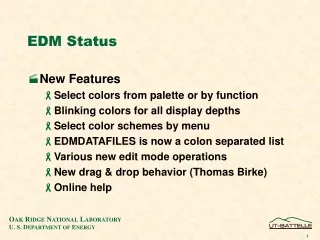
Some History (boring) • TRIUMF uses EPICS since 1996 • Started with edd/dm (anyone remembers?) • Converted to edm in 2005 • Right now no resources for anything but edm • Close to 4000 .edl files • 900 interactive • 3000 script-generated • mostly device control panels (face plates) • Will at least double with ARIEL project edm for old eyes
Synoptic displays edm for old eyes
Device Control Panels • Script-generated • Interlock Display: • based on PLC program • also used for logic validation vs specification edm for old eyes
dm vsedm • edm is vastly superior • but • ….dm allowed re-sizing of windows • edm does not • Our screens were designed for 1280x1024 • Moved to 1900x1200 pixel size changed • edl displays look and feel smaller • Some user / operator complaints • need to offer “something better” edm for old eyes
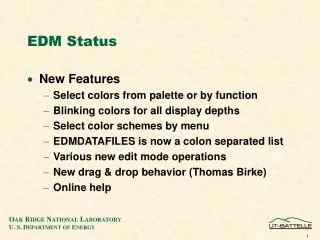
Solution • Perl tool • magnifies .edl files • Related display callups call magnified files • Embedded windows call magnified files • works well – operators are happy • -- does not scale drop-down menu texts edm for old eyes
Magnification Button edm for old eyes Low quality screen movie of functionality:http://isacwserv.triumf.ca/epics201305/epics2013.swf.html