Download
1 / 13
Télécharger la présentation 
Overview of Essential Computer Components and Their Functions
An Image/Link below is provided (as is) to download presentation
Download Policy: Content on the Website is provided to you AS IS for your information and personal use and may not be sold / licensed / shared on other websites without getting consent from its author.
Content is provided to you AS IS for your information and personal use only.
Download presentation by click this link.
While downloading, if for some reason you are not able to download a presentation, the publisher may have deleted the file from their server.
During download, if you can't get a presentation, the file might be deleted by the publisher.
E N D
Presentation Transcript
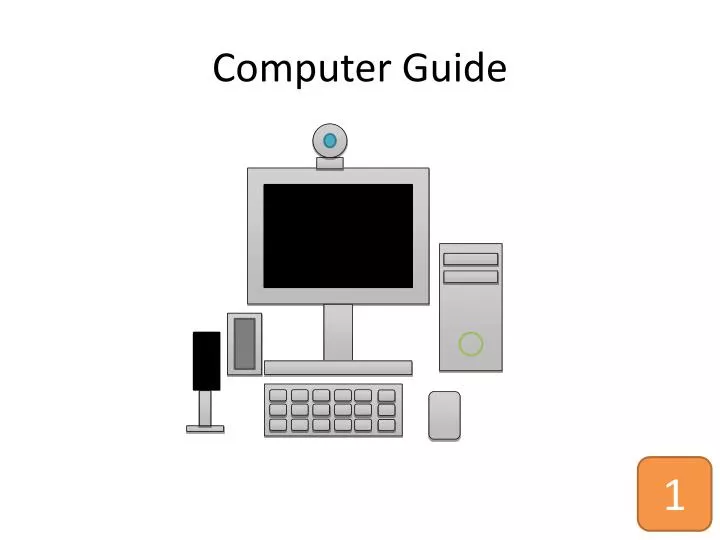
Monitor specifies the image
Speakers specifies the sound
Keyboard specifies the writing
Mouse specifies the access
Web Cam Optional says the mirror and sight online
Microphone Optional Says speak
Any driver is designed 2.00 Gb RAM
Review: Computer Objects Obligatorily Monitor Speakers Keyboard Mouse Optional • Web Cam • Microphone
Note Laptop was been all computer objects
Review: Driver information You can Any drivers 2.00 Gb RAM
The End Another lessons is coming soon

More Related

Audio
Live Player