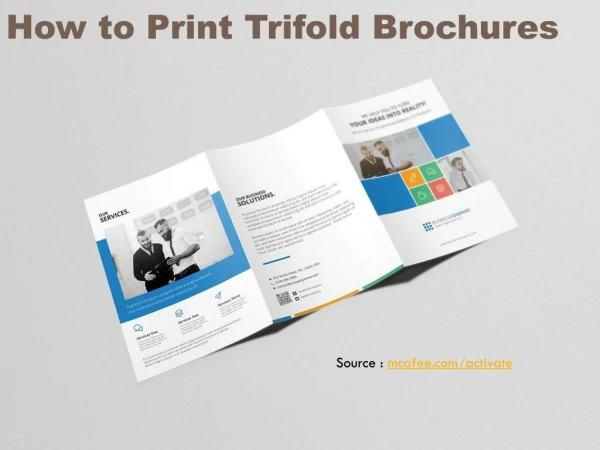
Creating an Effective Trifold Brochure: A Step-by-Step Guide
Learn how to design a captivating trifold brochure using two pages of content, thoughtfully folded to create six informative panels. This guide provides essential steps for arranging your content, incorporating visuals, and ensuring clarity. To achieve the best results, include at least one image per panel, provide captions for all photos, and maintain a consistent format. After you complete your design, remember to delete the guide slide and save your work properly. Ideal for communicating focused messages effectively and affordably.

Creating an Effective Trifold Brochure: A Step-by-Step Guide
E N D
Presentation Transcript
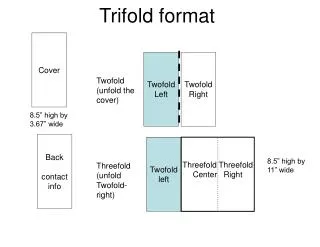
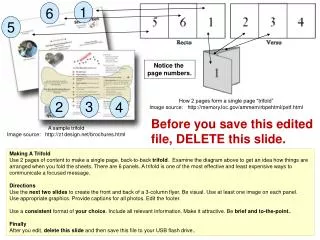
1 6 5 Notice the page numbers. 3 How 2 pages form a single page “trifold” Image source: http://memory.loc.gov/ammem/rbpehtml/petf.html 2 4 Before you save this edited file, DELETE this slide. A sample trifold Image source: http://z1design.net/brochures.html Making A Trifold Use 2 pages of content to make a single page, back-to-back trifold. Examine the diagram above to get an idea how things are arranged when you fold the sheets. There are 6 panels. A trifold is one of the most effective and least expensive ways to communicate a focused message. Directions Use the next two slides to create the front and back of a 3-column flyer. Be visual. Use at least one image on each panel. Use appropriate graphics. Provide captions for all photos. Edit the footer. Use a consistent format of your choice. Include all relevant information. Make it attractive. Be brief and to-the-point.. Finally After you edit, delete this slide and then save this file to your USB flash drive..
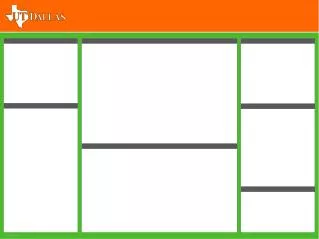
5 (Delete this text box.) 1 (Delete this text box.) 6 (Delete this text box.)
2 (Delete this text box.) 4 (Delete this text box.) 3 (Delete this text box.) CORS 4567, YourFirstName YourLastName, ThisSemester, ThisYear