
Execution Environment for JavaScript
E N D
Presentation Transcript
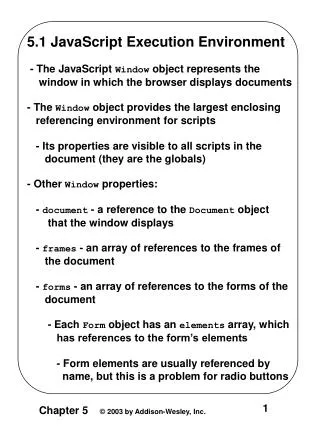
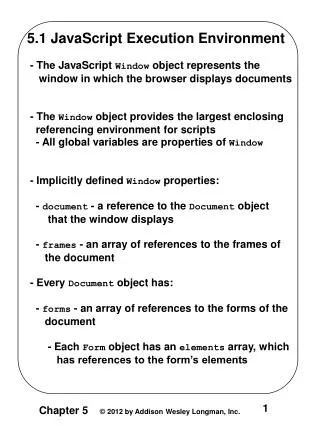
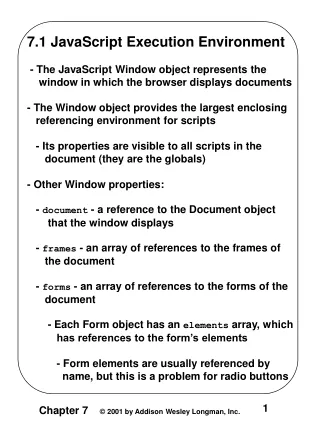
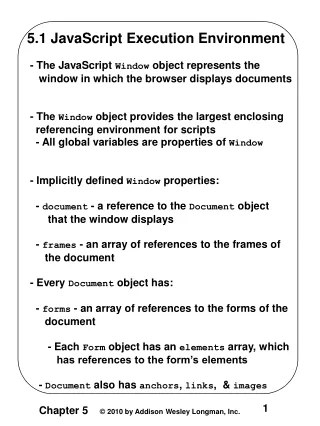
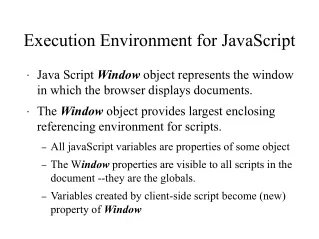
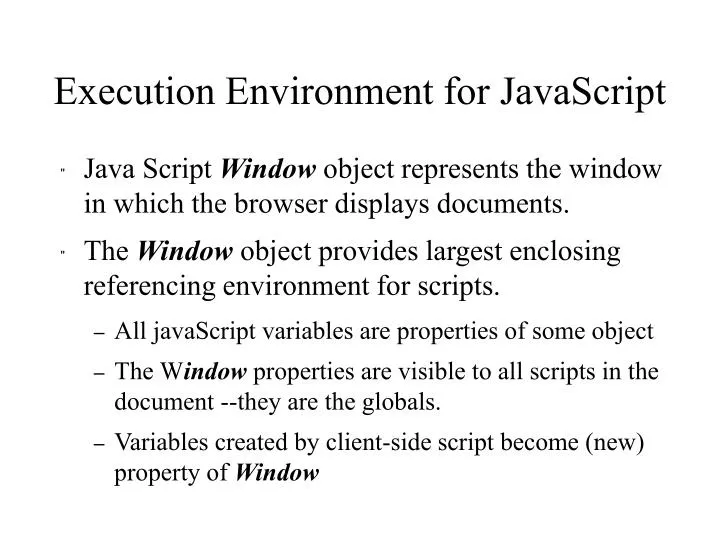
Execution Environment for JavaScript • Java Script Window object represents the window in which the browser displays documents. • The Window object provides largest enclosing referencing environment for scripts. • All javaScript variables are properties of some object • The Window properties are visible to all scripts in the document --they are the globals. • Variables created by client-side script become (new) property of Window
Window properties • Property document is a reference to the JavaScript Document object that the window displays • Property frames is an array of references to the (may be multiple) frames of the document • Property forms is an array of references to the forms in the document. • Each Form object has an elements array of references to form's elements.
DOM Document Object Model • Provides specifications for portability for users to write code in programming languages to create documents, work on their structures, change, add, or delete elements and their context • W3c development since early 90's • DOM 0 supported by JavaScript capableborwsers • DOM 1, Oct 98; focused on HTML and XML • DOM 2, Nov 00; support CSS, event, tree manipulation events NS6 but not IE6
DOM • DOM documents have a treelike structure • DOM is abstract model defines interface between HTML documents and application programs • DOM is an OO model -document elements are objects with both data (properties) and operations (methods) • Language supporting DOM must have binding to the constructs
DOM • In JavaScript binding, • HTML elements -->objects • HTML element attributes --> properties <input type = "text" name = " address> would be represented as one object with two properties, type and name, with the values "text" and "address" • For a description of tree traversal, adding and deleting nodes go to in http://www.w3c.org
Element Access in JavaScript • DOM 0 uses forms and element arrays <form action =""> <input type = "button" name = "pushMe"> </form> • DOM 0 address: documents.forms[0].element[0] • Element names -- element and all ancestors to have name attributes (but body) <form name ="myForm" action= ""> <input type = "button" name = "pushMe"> </form> • Element name address: documents.myForm.pushMe
Element Access in JavaScript • DOM 1 adrressing via JavaScript method: getElementId <form action =""> <input type = "button" name = "pushMe"> </form> • DOM address: document.getElementId("pushme")
Events/Event Handling • HTML 4.0 provided standard --DOM 0 • Supported by all browsers that include JavaScript • DOM 2 comprehensive event model • Supported by Mozilla and NS6 browsers • Not supported by IE6!!
Events/Event Handling • Event-driven: code executed resulting to user or browser action • Event: a notification that soemthing specific occurred -- by browser or user • Event handler: a script implicitly executed in response to event occurrence • Registration: the process of connecting event handler to event
Events/Event Handling JavaScript • Events are JavaScript objects --> names are case sensitive, all use lowercase only. (Method write should never be used in event handler. May cause document to be written over.) • JavaScript events associated with HTML tag attributes which can be used to connect to event-handlers • Table 5.1 (pg 182)
Events/Event Handling JavaScript • One attribute can appear in several different tags: • e.g. onClick can be in <a> and <input> • HTML element get focus: • When user puts mouse cursor over it and presses the left button • When user tabs to the element • By executing the focus method • Element get blurred when another element gets focus • Table 5.2 pg. 184-184
Event Handling JavaScript • Event handlers can be specified two ways • Assigning the event handler script to an event tag attribute onClick = "alert('Mouse click!');" onClick = "myHandler(); • Assigning them to properties of JavaScript object associated with HTML elements
Event Handling JavaScript • The load event: the completion of loading of a document by browser • The onload attribute of <body> used to specify event handler: http://www.ens.utulsa.edu/~class_diaz/cs2043/load.htmlT • he unload event: used to clean up things before a document is unloaded.
Radio Buttons <input type ="radio" name ="button_group" value = "blue" onClick ="handler"> • The checked property of radio button object is true if the button is pressed • All button in the group have the same name, must use DOM address element var radioElement = document.myForm.elements;
Radio Buttons for ( var inder = 0 ; index < radioElement.length; index++){ if (radioElement[index].checked) { element = radioElement[index].value; break; } } http://www.ens.utulsa.edu/~class_diaz/radio_click.html
Radio Buttons • Event handlers can be specified by assigning them to properties of JavaScript object associated with HTML elements • Property names are lowercase versions of attribute names • For functions, assign its name to the property: document.myForm.elemnts[0].onClick = myHandler; • Sets handler for first element of array • For radio button group, each element of array must be assigned
Event Handling • Specifying handlers by assigning them to event properties: • Disadvantage --can not use parameters • Advantages: • It is good to keep HTML and JavaScripts separate • Handler could be changed during use
Checking Form Input • JavaScript commonly used to check form input before it is sent to server for processing. • Check for: Format and Completeness • Approach: • Detect error and produce alert messge • Put elemnt in focus (focus function) • Select the element (select function)
Checking Form Input • The focus function puts the element in focus --the cursor in the element document.getElementById("phone").focus(); • The select function highlights the text in the element • After event handler is finished have it return false to keep the form active Neither slect nor focus are supported by NS 6.2
Checking Form Input/Examples • Comparing passwords: • The user is asked to type it twice • Program to very they are the same • The form has two password input boxes to get the passwords, Reset, and Submit buttons • Event handler triggered by Submit • No passwd typed --> focus on box, return false • Two passwds typed-> not same focus and select first box, rerurn false, else return true http://www.ens.utulsa.edu/~class_diaz/cs2043/passwd_chk.html
Checking Form Input/Examples • Format check for name & tel. Num. • Event handler triggered by change event of text boxes for name and phone number • When error is found, an alert message is produced and both focus and select are called on the textbox element in error • Another event handler will produce a thank you alert when the input is ok. http://www.ens.utulsa.edu/~class_diaz/cs2043/validator.html
DOM 2 Event Model • Does not include DOM 0 features, but they are still supported • Much more powerful than DOM 0 • Events propagates • Node of document tree where event is created is the target node • First phase is the capturing phase • Events begin at the root and move toward target node
DOM 2 Event Model • In the capturing phase, if there are any registered handlers at nodes along the way, if one is enabled, then it is run. • The second phase is at the target node. • If there are registered event handlers there for the event, they are run • The third phase is bubbling phase • Event traverses back to the root. All encountered registered handlers are run
DOM 2 Event Model • Not all events bubble • Any handler can stop propagation by calling Event object method stopPropagation • To stop default operations call Event object method preventDefault • Event handler with addEventListerner method • Name of event as literal string, handler function, and boolean value to specify if event is enabled during capturing
DOM 2 Event Model • A temporary handler can be created by registering it and then unregistering it with remove EventListener • The currentTarget property of Events always references the object on which the handler is being executed. • The MouseEvent object (subobject of Event) has two properties: clientX, clientY, the (x,y) coordinates of mouse cursor relative to upper left corner validator2.html
The navigator Object • Indicates which browser is being used. • Two useful properties: • The appName property has the bowser's name • The appVersion has the version number navigator.html