Exploring GUI Components: Scrollbars to Layout Managers
This chapter dives into essential GUI components used in programming, including scrollbars, labels, text fields, and buttons. It also introduces new elements like checkboxes, radio buttons, choice boxes (drop-down lists), text areas, canvases, and panels. Each component's implementation details are discussed, covering declaration, initialization, and event handling. The chapter includes a demonstration program showcasing various GUI features, emphasizing methods like `public void itemStateChanged(ItemEvent e)` for dynamic user interaction. Learn how layout managers, specifically flow layout managers, improve user interface design.


Exploring GUI Components: Scrollbars to Layout Managers
E N D
Presentation Transcript
Graphical user interfaces Chapter 17
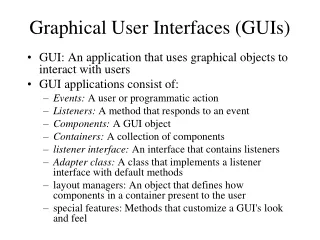
Some GUI already used in text • scrollbars, labels, textfields, buttons • New Ones: • Checkboxes, group checkboxes (radio buttons), choiceboxes (drow down lists), textboxes, canvasses, panels, layout managers
For each GUI component: • The implements class • Declaration and initialization • Registration • The event handling • See Demo program in chapter for various GUI (checkboxes, checkbox groups) • Note method …public void itemStateChanged(ItemEvent e) {
Make use of the item chosen by the program user • Choiceboxes (drop down lists) • Again see program Demo similar to menus (not allowed with applets) • Text areas: text in a window that has scrollbars left/right and up/down as needed • Canvasses – See program CanvasDemo • Panels • Layout Managers Flow layout managers