Understanding Variable Scope in Python Functions
Learn about variable scope in Python functions, how names live within functions, and see examples of local and global variables.
Understanding Variable Scope in Python Functions

E N D
Presentation Transcript
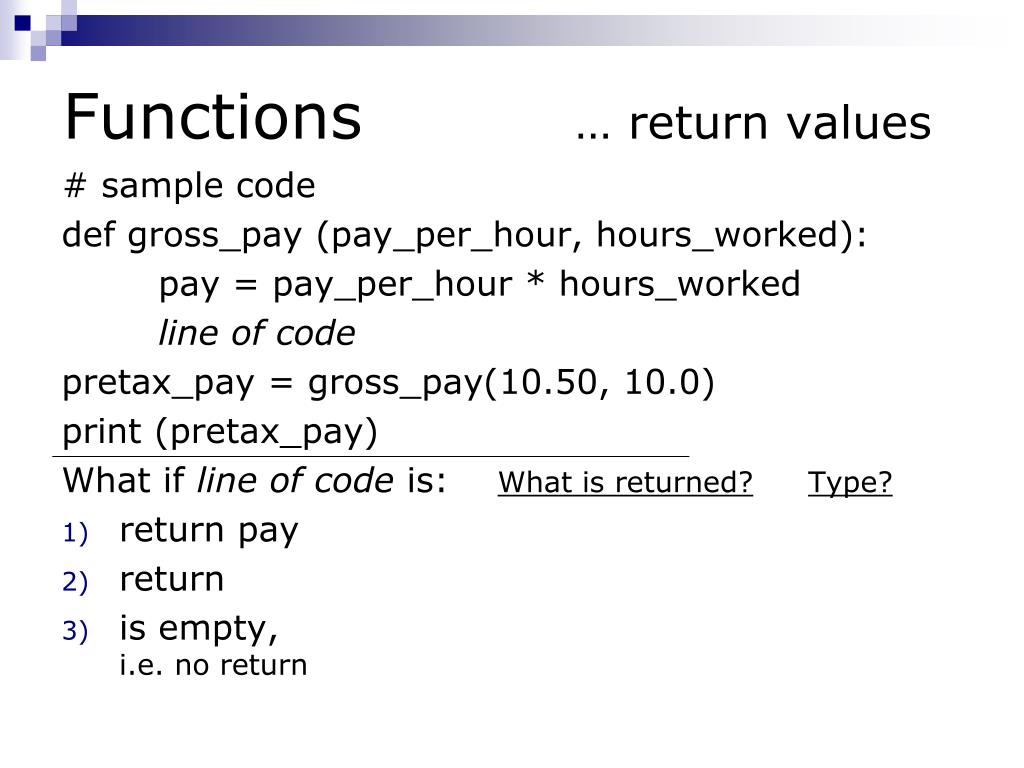
Functions … return values # sample code def gross_pay (pay_per_hour, hours_worked): pay = pay_per_hour * hours_worked line of code pretax_pay = gross_pay(10.50, 10.0) print (pretax_pay) What if line of code is: What is returned?Type? return pay return is empty,i.e. no return
Variable Scope …where do your names live? • variable scope – where the variable is created, changed, or accessed • when we only had a main program, • there was only one namespace • all variable were in that one namespace • when we create a function, • the function has its own namespace • variable assigned in the function can only be seen by the code in that function
Variable Scope …where do your names live? def cube (x): value = x * x * x return value value = 25 cubed = cube(2) print (cubed, value)
Variable Scope …where do your names live? def clear_count(count): count = 0 return order_num = 15 clear_count(order_num) print(order_num)
Variable Scope …where do your names live? def clear_count(count): count = 0 return count = 15 clear_count(count) print(count)
Variable Scope …where do your names live? topping = "whipped cream“ def order_ice_cream(flavour): topping = flavour return order_ice_cream("chocolate") print (topping)
Variable Scope …where do your names live? topping = "whipped cream“ def order_ice_cream(flavour): print("Mmm,", flavour, "with", topping) return order_ice_cream("chocolate")
Variable Scope …where do your names live? If main and functions in same file: If main and functions in different files: variable inside function is local to the function variables inside the main are not visible to the functions separate files make good fences (enforces no peeking) • variable inside function is local to the function • variables inside the main are visible to the functions • be a good neighbour, do not peek.
Calculate area and volume of cylinder [A3, Q1] PI = 3.1416 radius = float(input(“Enter cylinder radius: “)) height = float(input(“Enter cylinder height: “)) area = PI * radius**2 volume = area * height print(“Cylinder area = {:.2f}”.format(area)) print(“Cylinder volume = {:.2f}”.format(volume))
PI = 3.1416 radius = float(input(“Enter cylinder radius: “)) height = float(input(“Enter cylinder height: “)) print(“Cylinder area = {:.2f}”.format(area)) print(“Cylinder volume = {:.2f}”.format(volume))
Lumens given bulb wattage [A6, Q1] • watts = int(input(“Enter watts: “)) • if watts == 15: • lumens = 125 • elif watts == 25: • lumens = 215 • elif watts == 40: • lumens = 500 • elif watts == 60: • lumens = 880 • elif watts == 75: • lumens = 1000 • elif watts == 100: • lumens = 1675 • else: • lumens = None • print() • if lumens == None: • print(“Invalid wattage”) • else: • print(“For a bulb wattage of {} watts, brightness is {} lumens” .format(watts, lumens))
Lumens given bulb wattage [A6, Q1] • if watts == 15: • lumens = 125 • elif watts == 25: • lumens = 215 • elif watts == 40: • lumens = 500 • elif watts == 60: • lumens = 880 • elif watts == 75: • lumens = 1000 • elif watts == 100: • lumens = 1675 • else: • lumens = None • watts = int(input(“Enter watts: “)) • print() • if lumens == None: • print(“Invalid wattage”) • else: • print(“For a bulb wattage of {} watts, brightness is {} lumens” .format(watts, lumens))