Innovative Cloud and Mobile Tools for Education: Enhance Learning and Interaction
110 likes | 225 Vues
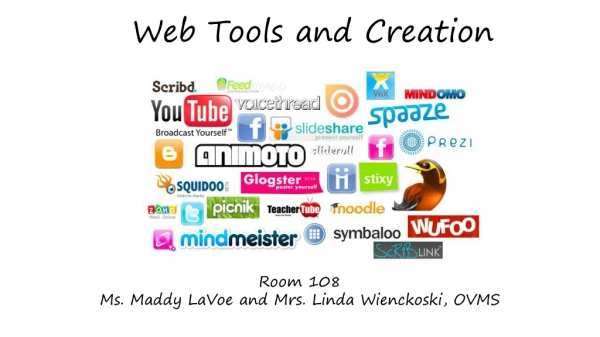
Discover cutting-edge cloud and mobile tools designed to enhance education and learning experiences. This guide explores leading platforms such as VoiceThread for collaborative discussions, Jing for screen captures and demos, and Popplet for creating interactive concept maps. With features that allow document sharing, collaborative editing, and real-time interaction, these tools enable educators and students to engage more effectively. Learn how to integrate these technologies into your teaching projects, presentations, and icebreakers to foster a dynamic learning environment.


Innovative Cloud and Mobile Tools for Education: Enhance Learning and Interaction
E N D
Presentation Transcript
Cloud, web, and mobile tools Kirsty Digger, DNS, RN, CEN
Get connected! • The Horizon Report • New Media Consortium • The Sloan Consortium • Release yearly reports for online and blended learning • The ECAR study (EDUCAUSE) • Yearly reports on student use of technology
Voicethread • FREE Cloud application • Available on computer or as a mobile app • Upload, share and discuss documents, presentations, images, audio files and videos. • Comment on VoiceThread slides using one of five commenting options • Keep private, share with selected few, or make available on the web
Examples • Creating a teaching project • Presentation of a focused topic with interaction • Ice breaker/introduction tool
Jing • FREE Screen capture: video or image • Up to 5 minutes of video capture • With or without audio • Lots of uses • Demo a how to • Demo a correction • Jing image capture and annotation assignment
Popplet • FREE Concept map/Algorithm creation • Add text, images, video, links, & drawing • Can add collaborators and edit in real time • Creating a Popplet • Popplet tools