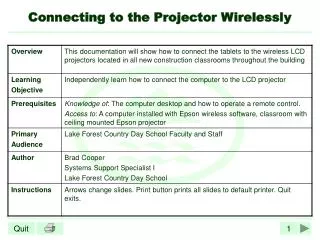
Wireless connection to the projector
Wireless connection to the projector. Install and start LiveViewer 6 Installation package http://virtual.ramk.fi/hlw.html. Contact information for the projector. Projector's remote control - Menu -> Network -> Wireless Information Take up a code or IP.

Wireless connection to the projector
E N D
Presentation Transcript
Wireless connection to the projector Install and start LiveViewer6 Installationpackagehttp://virtual.ramk.fi/hlw.html
Contact information for the projector • Projector'sremotecontrol- Menu • -> Network • -> Wireless Information • Take up a code or IP
Choose ”EnterPasscode” and yourwirelessconnection. Enterprojectorcode and click ”Connect”.
An alternativeway of, link IP address. Choose ”ConfigureManually” and chooseown WLAN connection.
TypeprojectorIP, click ”Add”, typesubnetmasklike in picture and click ”Connect”
If does not work, try the remote control to the "Search" button and the projector will start to look for different sources of images.