Memory Debugging and Profiling Techniques in Software Development
This comprehensive guide covers essential memory debugging and profiling techniques, emphasizing the importance of using tools like Valgrind and gdb. Learn how memory errors can affect program stability and the necessity of regular debugging. The discussion extends to profiling methodologies, highlighting the need to optimize program performance while balancing execution speed and quality of science. Key trade-offs between CPU efficiency and human cognitive processing are addressed, along with a reminder to measure before optimization. The guide includes practical examples and tools for effective profiling.


Memory Debugging and Profiling Techniques in Software Development
E N D
Presentation Transcript
Memory debuggingRecipe profiling Jonas M. Larsen
Memory debuggingvalgrind • > valgrind a.out
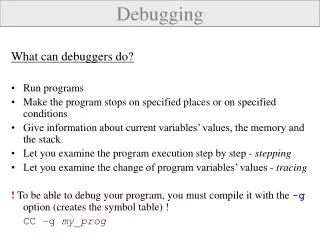
Memory debuggingvalgrind • Memory errors sometimes make programs crash. Other times they don't! Use a memory debugger regularly (valgrind, gdb, ...)
Profiling • Reasons to optimize • The pipeline must process at about the same speed as observations are performed • Trade-off: Science quality vs. execution speed • Reasons not to optimize • “slow” can be “fast enough” • Trade-off: CPU cycles vs. human brain cycles • Trade-off: Design vs. speed • Measure before you optimize!
Profilingprofile_build • > profile_build -qfitssrc=~/qfits-6.2.0 -cplsrc=~/cpl-3.1.0 -esorexsrc=~/esorex-3.6.1 -iiinstrumentsrc=~/xshp -builddir=~/BUILD -iiinstrumentlib=xsh xsh_mbias • > ~/BUILD/bin/esorex xsh_mbias xsh_mbias.sof • > gprof ~/BUILD/bin/esorex • > gcov my_source_file.c
ProfilingGCC gprof • GCC gprof
ProfilingGCC gcov • GCC gcov Use profiling tools (gprof, gcov, Shark, ...)
ProfilingAsymptotic time complexity • Example: Looping through a FITS header O(n^3) O(n^2) O(n)
Profiling • Constant factor optimization • Measure before you optimize!
Profiling • If n is large, be careful about... • Reference: http://www.eso.org/~jmlarsen/pipeline