Download
1 / 7
70 likes | 202 Vues
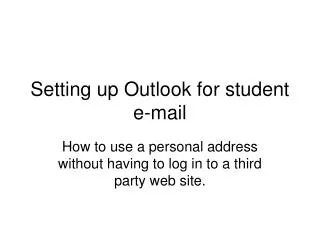
Learn how to set up your student email in Outlook for seamless communication without the need to log into a third-party website. This guide provides step-by-step instructions for adding a new POP3 email account. Follow these simple steps: right-click on Outlook, select properties, and choose email accounts. Then, add a new email account by selecting POP3, ensuring you enter your full email address for the username, and using school.echalk.com for both incoming and outgoing mail servers. Click next, finish, and you're all set!

E N D
Setting up Outlook for student e-mail How to use a personal address without having to log in to a third party web site.
Fill in all information above: for username make sure and put FULL e-mail address; for server information put school.echalk.com in both incoming and outgoing mail servers. When finished click next.