Download
1 / 8
80 likes | 202 Vues
This application process is for full-time, first-year Singaporean ITE students seeking a subsidy to purchase a PC, laptop, or tablet. Eligible students must have a gross monthly household per capita income of $850 or less and must not be under any sponsorship or traineeship scheme. The subsidy supports up to 80% of the device cost, capped at $500. Follow the steps in the online portal, submit the required supporting documents, and wait for an approval letter from ITE to proceed with your purchase.

E N D
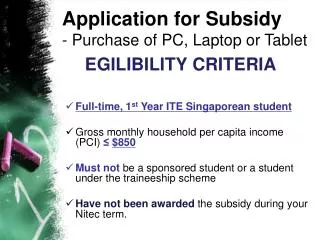
Application for Subsidy • - Purchase of PC, Laptop or Tablet EGILIBILITY CRITERIA • Full-time, 1st Year ITE Singaporean student • Gross monthly household per capita income (PCI) ≤$850 • Must not be a sponsored student or a student under the traineeship scheme • Have not been awarded the subsidy during your Nitecterm.
‘HOW DOES THE SUBSIDY WORK?’ • The subsidy will support up to 80% of the cost of the PC or Tablet, capped at $500. You will co-pay the balance • The subsidy will only take place once your application has been APPROVED
STEP 1 1) Go to myportal.ite.edu.sg 2) Key in your NRIC and Password 3) Select ‘Login’. S9876543X XXXXXXXXX
STEP 2 Select ‘iStudent/Financial Assistance’
STEP 3 Select ‘Financial Assistance’
STEP 4 1) Select ‘Purchase of PC, Laptop or Tablet’ 2) Select ‘Next’
STEP 5 1) Select ‘Purchase PC Desktop/Notebook (outside NEU PC PLUS)’ 2) Enter your family member particulars such as NRIC, Relationship to Applicant, Occupation, Gross Monthly Income, Marital Status. 3) Select ‘Add a Family Member’ if the space provided to key in your family member’s particulars is not enough. 4)Select ‘Submit’ to proceed.
SUPPORTING DOCUMENTS • A photocopy of your Student IC and contact number • Pay slip/CPF contribution/income declaration form from your working family members • ITE will send the approval letter once your application is successful All supporting documents submit to: Customer & Visitor Centre at Block A, Level 2