Download
1 / 14
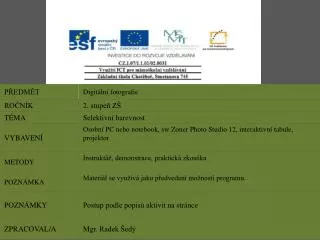
Selektivní barevnost
140 likes | 260 Vues
Selektivní barevnost. Vybereme si vhodnou fotografii na úpravu. Vybereme nástroj LUPA. Pomocí myši vybereme část fotografie pro zvětšení. Vybereme nástroj MAGNETICKÉ LASO. Pomocí myši precizně vybereme kontury objektů.

Télécharger la présentation 
Selektivní barevnost
An Image/Link below is provided (as is) to download presentation
Download Policy: Content on the Website is provided to you AS IS for your information and personal use and may not be sold / licensed / shared on other websites without getting consent from its author.
Content is provided to you AS IS for your information and personal use only.
Download presentation by click this link.
While downloading, if for some reason you are not able to download a presentation, the publisher may have deleted the file from their server.
During download, if you can't get a presentation, the file might be deleted by the publisher.
E N D
Presentation Transcript
Po označení objektu klikneme pravým tl. myši do vybraného objektu. Objeví se nabídka, zde vybereme INVERTOVAT VÝBĚR
Před Po



More Related