Download
1 / 5
50 likes | 153 Vues
This guide covers the essential steps to familiarize yourself with Microsoft Word and improve your typing skills. Start by logging into your computer and opening Microsoft Word. Set the font size to 26 and type your name at the top of the page. Practice entering two blank lines to create space. Learn about the right shift key and its importance; use your pinky finger to access it comfortably. By the end of this exercise, you will enhance your keyboard proficiency and confidence in using Word for various tasks.

E N D
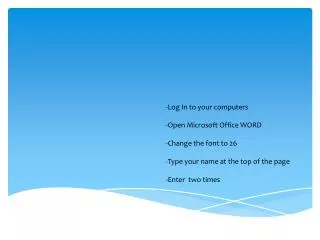
-Log In to your computers -Open Microsoft Office WORD -Change the font to 26 -Type your name at the top of the page -Enter two times
INTRODUCING THE RIGHT SHIFT KEY l Pinky Finger drops down and over to reach the RIGHT SHIFT KEY
DRILLS Open Microsoft Office WORD Change the font to 26 Type your name at the top of the page Enter two times