Overview of PeopleSoft Procurement Process for Departmental Funding and Purchasing
This guide provides a comprehensive overview of the procurement process within PeopleSoft, focusing on managing departmental funding sources such as cost centers and types of funds. It outlines the steps for using P-Cards for purchases under $5,000, and the creation of requisitions for amounts exceeding this threshold or when restricted. Detailed instructions for approvals, reviews, and issuing solicitations (RFQ, RFP, etc.) are included, alongside information on vendor interactions, invoices, and expense payments, ensuring compliance and transparency in departmental procurement.

Overview of PeopleSoft Procurement Process for Departmental Funding and Purchasing
E N D
Presentation Transcript
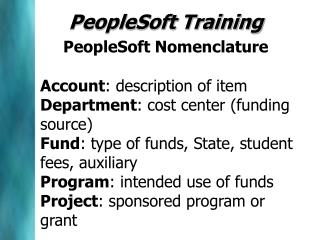
PeopleSoft TrainingPeopleSoft NomenclatureAccount: description of item Department: cost center (funding source) Fund: type of funds, State, student fees, auxiliary Program: intended use of fundsProject: sponsored program or grant
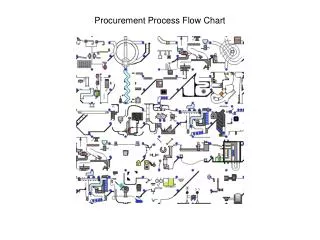
Procurement Process P-Card or Requisition If under $5,000 and not restricted, place order with P-Card Requirement If over $5,000 or restricted create PeopleSoft Requisition To Procurement for Processing Amount Approval by Department Budget Check
Procurement Select Appropriate Procurement Process RFQ, RFP, Sole Source State Use etc... • Review Req. • Approvals • Who, what, • where, when, • why, how Issue Solicitation Tabulate Responses Review Result with Department Award and Issue Purchase Order
Procurement to Payment Requisition Solicitation RFQ, RFP, IFB etc... Purchase Order or Contract Pre-Encumbrance Encumbrance Vendor Ships, Sends Invoice Receiving Voucher from A/P to Annapolis Expense Payment from Annapolis to Vendor