Enhancing Shopping Apps: Insights and Case Studies for Optimal User Experiences
Explore effective strategies and technologies for developing engaging shopping apps through insightful case studies and expert guidance. This session features contributions from industry leaders, including Mark Hopkins and Santhosh Panchap, who will discuss essential aspects such as user experience, performance, search and filtering, and branding. Discover how to leverage key technologies, improve user authentication and workflows, and implement features like live tiles and notifications. Gain a deeper understanding of market needs and maximize your app’s potential.

Enhancing Shopping Apps: Insights and Case Studies for Optimal User Experiences
E N D
Presentation Transcript
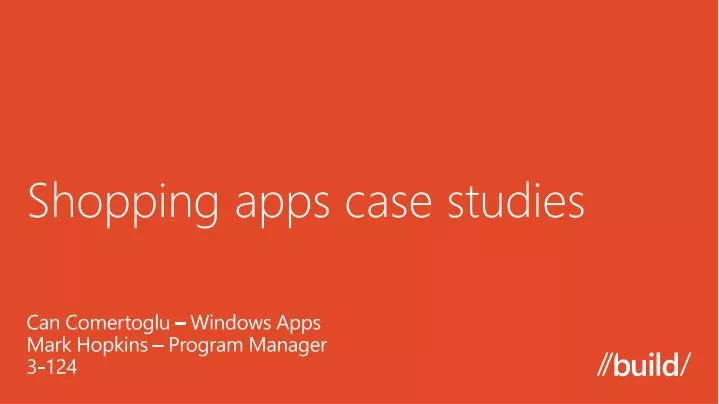
Shopping apps case studies Can Comertoglu – Windows Apps Mark Hopkins – Program Manager 3-124
Shopping track sessions • “Guidance for shopping apps” by Mark Hopkins • “Shopping app case studies” by Mark Hopkins • “Key technologies for shopping apps” by SanthoshPanchap
App builders • MontaqueHou • Director, Technology Strategy, NewEgg • Rich Kilmer • Vice President, LivingSocial
Demo • LivingSocial app demo • NewEgg app demo
User experience • Realizing the opportunity • Sharing • Search and filtering • Live tiles and toast notifications • Location • Branding • Receipts
Key technologies • User authentication • User workflow • Performance • Completing the sale • Roaming between machines
Resources • Develop: http://msdn.microsoft.com/en-US/windows/apps/br229512 • Design: http://design.windows.com/ • Samples: http://code.msdn.microsoft.com/windowsapps/Windows-8-Modern-Style-App-Samples • Videos: http://channel9.msdn.com/Windows Please submit session evals by using the Build Windows 8 app or at http://aka.ms/BuildSessions