Download
1 / 10
100 likes | 228 Vues
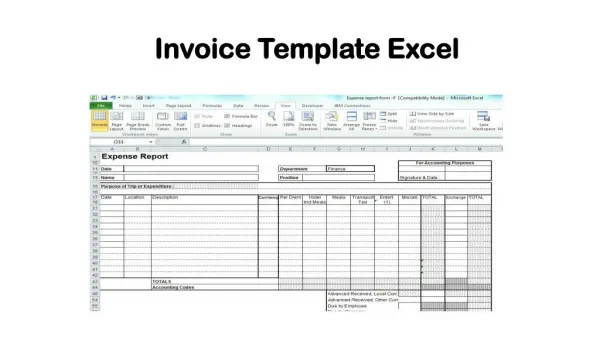
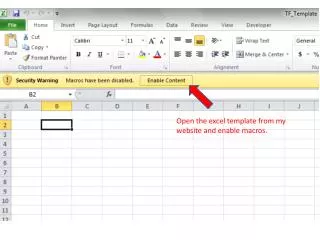
Enhance your LON-CAPA course analysis by following these streamlined steps. Start by opening the Excel template from my website and enable macros. Access your course and find the CSV output option in the main menu. To optimize processing, select only the relevant problems matching the TF pattern. Highlight all data and copy it into the TF analysis file. Use the macros feature in the analysis template's view tab to generate a "Processed" worksheet that details problem statistics, response weighted consistency, and overall performance metrics for improved insights.

E N D
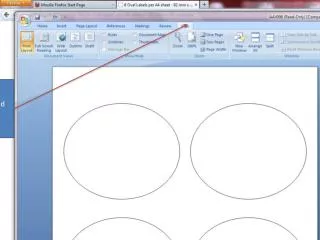
Check the bottom 3 options Select CSV output Speed things up by checking only the problems that fit the TF pattern
Click in the corner to highlight all data. Copy the data into the TF analysis file.
In the view tab of the analysis template, use the macros option to view macros.
The macro creates a new worksheet named “Processed” that reports the problem, part, response and foil along with the number of students (N), the student- and response-weighted consistency (SWC, RWC) and randomness (SWR, RWR) and the overall consistency and randomness (OvC, OvR).