Essential Photoshop Selection and Editing Tools
40 likes | 164 Vues
Discover key Photoshop tools that enhance your image editing capabilities. Learn how to efficiently select and modify areas using techniques such as the lasso for freehand selection, the magic wand for color tolerance, and the crop tool for trimming images. Explore drawing and image-affecting tools like the healing brush, clone stamp, and various brushes to refine your artwork. Additionally, understand the functionality of the move tool, gradient fills, and the importance of maintaining your editing history. Master these tools to elevate your design skills.


Essential Photoshop Selection and Editing Tools
E N D
Presentation Transcript
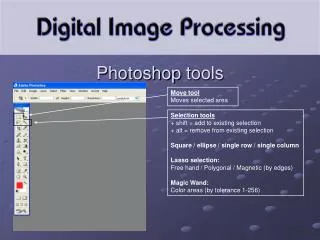
Selection tools + shift = add to existing selection + alt = remove from existing selection Square / ellipse / single row / single column Lasso selection: Free hand / Polygonal / Magnetic (by edges) Magic Wand: Color areas (by tolerance 1-256) Photoshoptools Move tool Moves selected area
Photoshoptools Crop tool Drawing / Image affecting tools: Healing Brush corrects by comparing pixels Clone Stamp clones pixels Eraser fills with backgound color blur / sharpen / smudge affected area Pencil / Brush draws foreground color History brush retains earlier state Gradient fills with selected / created gradient colors Dodge lightens, Burn increases, Sponge darkens color softly
Path / anchor point drawing tool Horizontal / vertical text tool Vector shape toolcreates vector objects Pipette toolselects existing color to foreground Hand toolmoveszoomed image on screen Zoom toolmagnifies in or out (+alt) Foreground / Background color can be changed by double-clicking Photoshoptools Path / anchor point selection tool