
Uploaded by
garrisonj
7 SLIDES
92 VUES
70LIKES
TV Setup and Software Upgrade Guide
DESCRIPTION
Follow these simple steps to set up your TV and perform a software upgrade to enjoy your favorite programs. The process takes 8-10 minutes.
Download
1 / 7
Télécharger la présentation 
TV Setup and Software Upgrade Guide
An Image/Link below is provided (as is) to download presentation
Download Policy: Content on the Website is provided to you AS IS for your information and personal use and may not be sold / licensed / shared on other websites without getting consent from its author.
Content is provided to you AS IS for your information and personal use only.
Download presentation by click this link.
While downloading, if for some reason you are not able to download a presentation, the publisher may have deleted the file from their server.
During download, if you can't get a presentation, the file might be deleted by the publisher.
E N D
Presentation Transcript
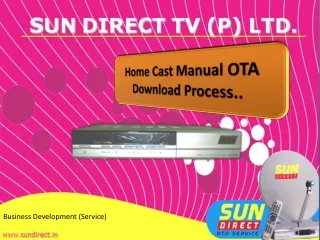
Home Cast Manual OTA Download Process.. Location: Business Development (Service)
Basic Steps Step 1 Switch on your TV (Television) Step 2 Switch on your Set Top Box Step 3 Press Menu in the Remote Control
Main Menu – Installation – Option – Channel- Advanced 1 2 STEP 3 4
Menu Selection – Advanced – OTA -Software Upgrade Do Not Switch off the Power
Menu Selection – Software Upgrade Process Time 8 – 10 Minutes Do Not Switch off the Power
Software upgrade is over, you can watch your favorite programs now








More Related

Audio
Live Player