Using If Statements in Spreadsheets for Business Management Problems
In GCSE requirements, students must be proficient with spreadsheet software to solve 'what if' business problems. For instance, a manager wants to add a column that identifies employee managers based on their departments. By using an IF statement, the manager can automate this process. The formula would state: if the department is 'Sales', then assign 'James Dean'; otherwise, assign 'Dale Sutton'. This efficiently provides management solutions without repetitive typing, showcasing the power of conditional logic in spreadsheets.

Using If Statements in Spreadsheets for Business Management Problems
E N D
Presentation Transcript
GCSE Requirements You are required to be able to use spreadsheet software for ‘the solution of 'what if'… problems’
A business problem A manager has the following employee list in a spreadsheet:
A business problem He would like to add a third column which says who their manager is:
A Business Problem • He knows that if they work for Sales their manager is James Dean and if they work for Marketing their manager is Dale Sutton • Rather than type out the same thing in all the columns he would like to use an if statement
A Business Problem • The if statement in a spreadsheet helps answer a ‘what if?’ type of question • if they work for Sales their manager is James Dean and if they work for Marketing their manager is Dale Sutton
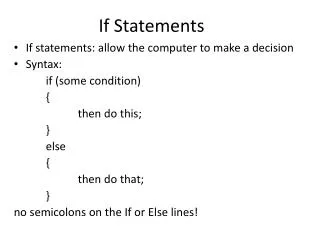
A Business Problem • The formula is built up in this way If the department is sales then put James Dean otherwise put Dale Sutton OR =if(department=‘sales’,’James Dean’,’Dale Sutton’)
A Business Problem • Now follow the on screen demonstration………..