
Uploaded by
gates
12 SLIDES
248 VUES
120LIKES
NMIT Presentation
DESCRIPTION
This presentation by Greg Bowen-Jones provides an in-depth overview of essential computer components and vocabulary. Covering key elements such as the monitor, mouse, keyboard, desktop, and various storage devices like CD-ROM and DVD-ROM drives, this educational resource is designed to enhance vocational skills in technology. It addresses the functionality of printers, scanners, and webcams, making it a complete guide for those preparing for careers in the IT sector or seeking to boost their computer literacy.
Download
1 / 12
Télécharger la présentation 
NMIT Presentation
An Image/Link below is provided (as is) to download presentation
Download Policy: Content on the Website is provided to you AS IS for your information and personal use and may not be sold / licensed / shared on other websites without getting consent from its author.
Content is provided to you AS IS for your information and personal use only.
Download presentation by click this link.
While downloading, if for some reason you are not able to download a presentation, the publisher may have deleted the file from their server.
During download, if you can't get a presentation, the file might be deleted by the publisher.
E N D
Presentation Transcript
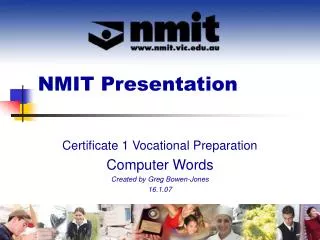
NMIT Presentation Certificate 1 Vocational Preparation Computer Words Created by Greg Bowen-Jones 16.1.07

More Related

Audio
Live Player