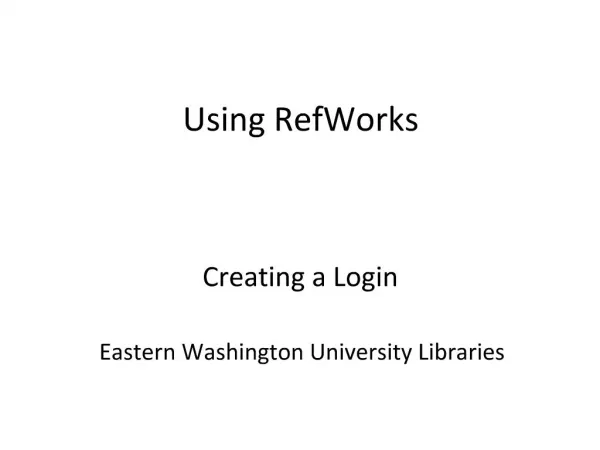
Getting Started with RefWorks: Create Your Account at Eastern Washington University Libraries
This guide provides step-by-step instructions on how to create a RefWorks account at Eastern Washington University Libraries. Whether you're new to RefWorks or need assistance with setting up your login, we've got you covered. After creating your account, you'll be ready to utilize RefWorks for managing your references efficiently. For any help or questions, you can reach out to Doris Munson, the Systems/Reference Librarian, via email at dmunson@ewu.edu or call (509) 359-6395.

Getting Started with RefWorks: Create Your Account at Eastern Washington University Libraries
E N D
Presentation Transcript
1. Using RefWorks Creating a Login
Eastern Washington University Libraries
2. Create your account if you new to Refworks
5. Congratulations! You’re now ready to start using RefWorks
6. Need Help? Contact:
Doris Munson
Systems/Reference Librarian
EWU Libraries
dmunson@ewu.edu
(509) 359-6395