CSS POS Inventory Scanning
This guide explores the functionalities and features of the POS (Point of Sale) systems focusing on inventory management and invoicing. Dive into inventory audits, item maintenance including price changes and look-ups, and detailed reporting options such as sales reports and invoice summaries. Discover how to access and utilize the master menu and main menu efficiently. This resource is essential for optimizing your retail operations and ensuring accurate financial reporting, all while streamlining invoicing processes and adjustments.

CSS POS Inventory Scanning
E N D
Presentation Transcript
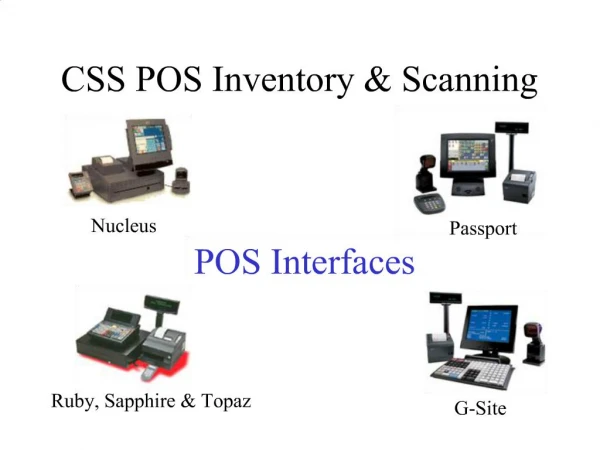
1. CSS POS Inventory & Scanning
2. CSS Master Menu
3. CSS POS Main Menu
4. POS Item Maintenance
5. POS Item Look-up
6. POS Item Maintenance
7. POS Price Change
8. POS Item History
9. POS Reports
10. POS Price List
11. POS Department Sales Report
12. POS Reports – Invoice Summary
13. POS Reports – Invoice Detailed
14. POS – Inventory Audit
15. POS – Inventory Audit
16. POS – Inventory Audit
17. POS - Adjustments
18. POS - Reports
19. POS – Management Reports
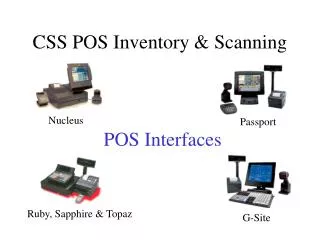
20. POS - Interface
21. POS - Invoicing
22. POS - Invoicing
23. POS - Invoicing
24. POS - Invoicing
25. POS – Invoicing EDI
26. POS – Invoicing EDI
27. POS – Invoice Posting
28. POS - Invoicing