Step-by-Step Guide to Completing Your Program Sheet for Finance Majors
Learn how to fill out your Program Sheet with this step-by-step guide tailored for Finance majors. Begin by logging into the OLE Miss Business website using your Web ID and Password. Click “Sign In” and navigate to the Majors Program Sheets link to download your specific major sheet. The sheet contains vital information on core curriculum requirements and major-specific courses. For additional details on the courses, revisit the OAS application page and access your major’s courses link.

Step-by-Step Guide to Completing Your Program Sheet for Finance Majors
E N D
Presentation Transcript
Filling Out a Program Sheet Follow the step by step guide to fill out your program sheet.
Logging In • Visit www.olemissbusiness.com/OAS • Enter your Web ID & Password • Click “Sign In”
Once you have logged in, click on the Majors Program Sheets link on the left hand side.
Once you click on your major, an excel file will ask to be downloaded. Click OK, to view your program sheet.
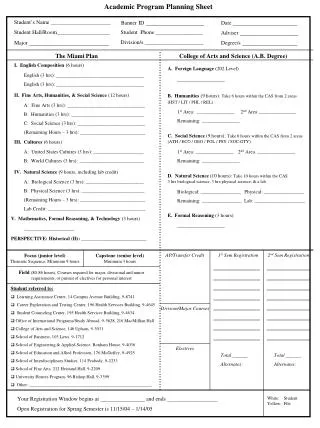
Please print out this sheet. For this example, we’ll pretend we’re a Finance major. • At the top you’ll see the core curriculum required of every business student.
At the bottom will be the major courses required to be taken to complete your major.
To learn more about the courses listed on your registration sheet, go back to the OAS application page. On that page click on your major’s courses link, again we’ll click on “Finance Courses”.