Download
1 / 12
Télécharger la présentation 
How to Locate Articles with Incomplete References in Premier Business Source
An Image/Link below is provided (as is) to download presentation
Download Policy: Content on the Website is provided to you AS IS for your information and personal use and may not be sold / licensed / shared on other websites without getting consent from its author.
Content is provided to you AS IS for your information and personal use only.
Download presentation by click this link.
While downloading, if for some reason you are not able to download a presentation, the publisher may have deleted the file from their server.
During download, if you can't get a presentation, the file might be deleted by the publisher.
E N D
Presentation Transcript
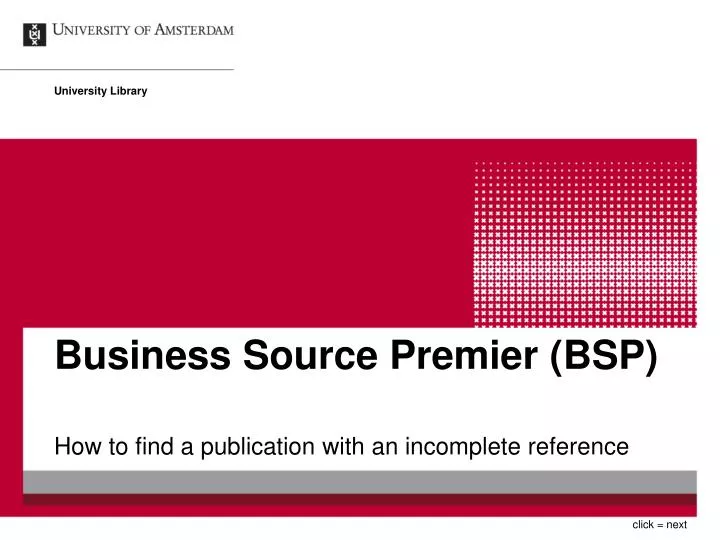
University Library Business Source Premier (BSP) How to find a publication with an incomplete reference click = next
You are looking for an article of which you know: • the title contains: balanced scorecard .. Netherlands • it is published in: journal of organizational change ..
Select the appropriate fields: TI for title words of the article
Balanced scorecard Journal of organizational change
The information is structured in fields, e.g. • Author • Title • Title of the journal in which the article is published • For more extensive information about all fields, see: “Choose databases”
To find out more about fields and how to use them, click Choose Databases
Examples: AB words from the abstract AS author abstract AU author

More Related