Using the Fader object
Learn how to import and utilize the Fader Object to create smooth transitions in your project. This object does not include a 3D model, as its primary function is to fade your world in and out. Choose between the fade-out method to transition your world to black and the fade-in method to return after fading out. Customize the duration of the fade with the "howLong" parameter for a seamless experience. Note that using custom fading code may affect the fade-in functionality. Follow our sample code for best practices.

Using the Fader object
E N D
Presentation Transcript
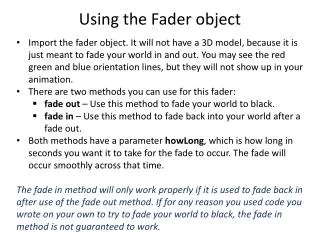
Import the fader object. It will not have a 3D model, because it is just meant to fade your world in and out. You may see the red green and blue orientation lines, but they will not show up in your animation. • There are two methods you can use for this fader: • fade out – Use this method to fade your world to black. • fade in – Use this method to fade back into your world after a fade out. • Both methods have a parameter howLong, which is how long in seconds you want it to take for the fade to occur. The fade will occur smoothly across that time. • The fade in method will only work properly if it is used to fade back in after use of the fade out method. If for any reason you used code you wrote on your own to try to fade your world to black, the fade in method is not guaranteed to work. Using the Fader object