Download
1 / 26
260 likes | 395 Vues
This guide outlines the process for reallocating transactions to alternate accounting codes (AAC) within the transaction management system. Users will learn how to ensure the remaining amounts are zero before finalizing a transaction. For further assistance, a reallocation demonstration is available, or users can opt to skip it. Additionally, users are reminded that statement approval totals pertain to the overall account and not just the selected cycle, ensuring comprehensive understanding and compliance with financial reporting.

E N D
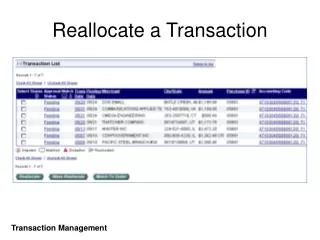
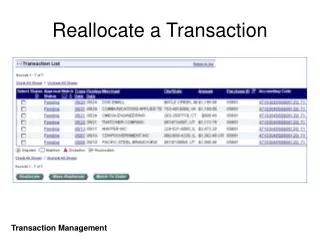
Reallocate a Transaction Transaction Management
Reallocate to an Alternate Accounting Code AAC Selection Transaction Management
Reallocate a Transaction Transaction Management
Reallocate a Transaction Magnifying glass for VVL The Amount Remaining must be zero. Transaction Management
Reallocate a Transaction Transaction Management
Click Here to Run the Reallocation Demo -Or- Click Here to Skip the Reallocation Demo
Transaction Final-Approval Transaction Management
Statement Approval Totals are for the account, not the selected cycle. Transaction Management
Statement Approval Transaction Management