Essential Excel Functions for Data Analysis and Finance
Discover key Excel functions that enhance your data analysis and financial calculations. Learn how to utilize statistical functions like AVERAGE, COUNT, COUNTIF, MAX, MIN, and SUM to summarize your data effectively. Delve into financial functions such as FV, NPER, PMT, PV, and RATE to manage your investments and loans. Also, master logical functions like IF, AND, OR, and NOT to facilitate decision-making in your spreadsheets. Understand how to employ reference functions like HLOOKUP and VLOOKUP for efficient data retrieval.

Essential Excel Functions for Data Analysis and Finance
E N D
Presentation Transcript
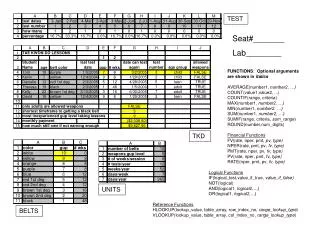
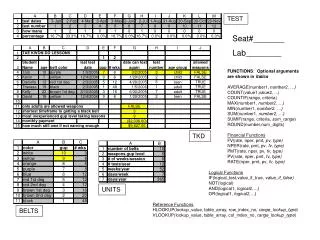
TEST Seat#_______ Lab________ FUNCTIONS: Optional arguments are shown in italics AVERAGE(number1, number2, …) COUNT(value1,value2, ...) COUNTIF(range, criteria) MAX(number1, number2, …) MIN(number1, number2, …) SUM(number1, number2, …) SUMIF(range, criteria, sum_range) ROUND(number,num_digits) TKD Financial Functions FV(rate, nper, pmt, pv, type) NPER(rate, pmt, pv, fv, type) PMT(rate, nper, pv, fv, type) PV(rate, nper, pmt, fv, type) RATE(nper, pmt, pv, fv, type) Logical Functions IF(logical_test,value_if_true, value_if_false) NOT(logical) AND(logical1, logical2,…) OR(logical1, logical2,…) UNITS Reference Functions HLOOKUP(lookup_value, table_array, row_index_no, range_lookup_type) VLOOKUP(lookup_value, table_array, col_index_no, range_lookup_type) BELTS