Overview of IDEAL Software Implementation and User Feedback for Continuous Improvement
30 likes | 148 Vues
The IDEAL Software implementation includes two versions: the Summative version with 11,000 items and the Formative version featuring 5,039 items. This document explores user feedback from consortium universities, emphasizing the importance of continuous improvement in system performance. Schools must address local issues such as the reallocation of duties and the retraining of personnel, while ensuring effective communication flows throughout departments. The collaborative effort focuses on enhancing the Item Bank's administration and support across different university faculties.


Overview of IDEAL Software Implementation and User Feedback for Continuous Improvement
E N D
Presentation Transcript
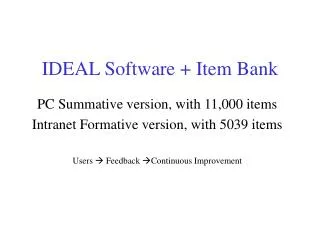
IDEAL Software + Item Bank PC Summative version, with 11,000 items Intranet Formative version, with 5039 items Users Feedback Continuous Improvement
Implementation of IDEAL: Consortium University 1: Faculty … University 2 …. (I.T. Support, Item Bank Admin.) Department 1 (I.T. Support, Item Bank Admin.) … Dept 2 …. Local Issues of IDEAL implementation: Re-allocation of duties Re-training of personnel Continuous communication Contribution of items