Download
1 / 4
50 likes | 201 Vues
Discover the easiest methods to find your work computer's IP address on Windows 7. Whether you prefer using a web browser or the Command Prompt (CMD), this guide provides clear, detailed steps to locate your IP address. You'll learn how to access your IP information quickly, ensuring you get the correct address for setting up VPNs and remote access from home. Follow along as we guide you through each method to ensure you can find the necessary details effortlessly!

E N D
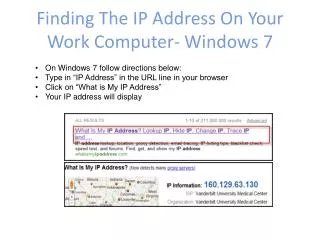
Finding The IP Address On Your Work Computer- Windows 7 • On Windows 7 follow directions below: • Type in “IP Address” in the URL line in your browser • Click on “What is My IP Address” • Your IP address will display
2nd Way To Find IP Address • Click on Micrsoft logo • Type CMD in Search field 3. Type Ipconfig /all (put a space after ipconfig) and enter 4. Scroll to find the local area connection. There are several IP addresses displaying so make sure you get the right one! Click Here for instructions to VPN and Remote Access for full details on remoting in from home:
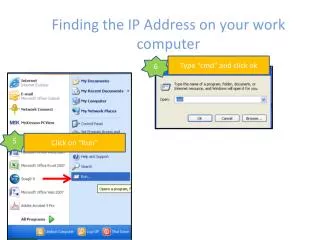
Finding the IP Address on your work computer 1 Click on “Start” 3 Type “cmd” and click ok 2 Click on “Run”
Finding the IP Address on a work computer 4 Type ipconfig and press enter 5 Write down your IP address as it appears