Essential PowerPoint Tips for Class Projects: What to Do and What to Avoid
Creating an effective PowerPoint presentation for class projects requires careful attention to design and delivery. Avoid common pitfalls such as cluttered slides, small text, and grammatical errors. Instead, focus on clarity by using titles, subtitles, and brief bullet points. Use colors and effects to enhance appeal while maintaining consistency across slides. Always ensure your slides are easy to read and visually engaging. Remember to spell check your work for a polished finish.

Essential PowerPoint Tips for Class Projects: What to Do and What to Avoid
E N D
Presentation Transcript
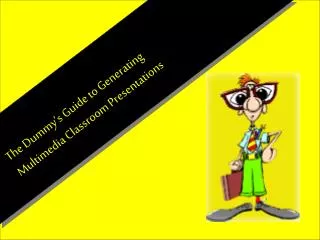
Don’t! Do! Tips! Multimedia Presentations Creating a PowerPoint for class projects
Here are some tips! DO: Don’t Write length information or continuously read from your slides Clutter your slides with different font styles, clipart, effects, etc. Have misspelled words. Use text that is too small, too light, or against a background that is too dark. • Use titles and subtitles. • Bullet information and keep it brief. • Use color and effects to add interest and appeal. • Maintain consistency and unity across slides. • Spell check and fix errors. • Make sure your slides are easy to read.