New Features and Enhancements for MF Job Compatibility with Windows 7 and CUTserver
Discover the latest updates for your cutting needs, including improved compatibility with Windows 7 and enhanced features for multi-frame alignment. Users can now specify individual segments during alignment, eliminating the need for a CUTserver property. A new browsing window eases the setup of your PLT directory with a "make folder" option, along with direct USB connection support that improves speed and multitasking capabilities. Additionally, MF support via CUTserver is now possible without barcode scanning. Seamlessly visualize other file types with the new extension filter.

New Features and Enhancements for MF Job Compatibility with Windows 7 and CUTserver
E N D
Presentation Transcript
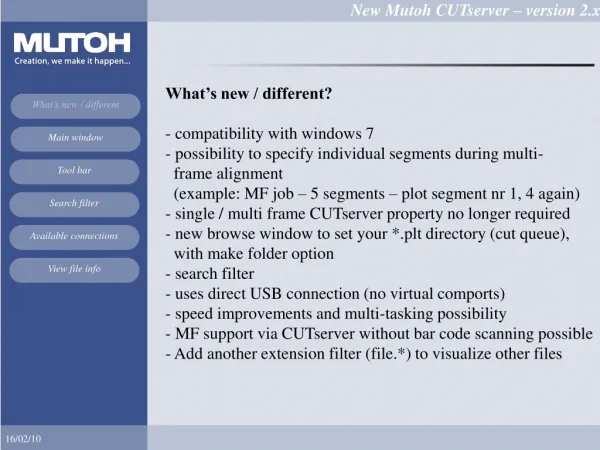
What’s new / different?- compatibility with windows 7- possibility to specify individual segments during multi- frame alignment (example: MF job – 5 segments – plot segment nr 1, 4 again)- single / multi frame CUTserver property no longer required- new browse window to set your *.plt directory (cut queue), with make folder option- search filter- uses direct USB connection (no virtual comports)- speed improvements and multi-tasking possibility • MF support via CUTserver without bar code scanning possible • Add another extension filter (file.*) to visualize other files
Toolbar1. Clip the file2. View / clip the selected file3. View file data4. Send EPOS job5. View file info6. Delete file7. Set CUTserver directory8. Refresh the file list
Available connections : click to start contour cutting : click to retrieve info : click to edit settings for the connection