
Quick Access to Document Library for Forms Information
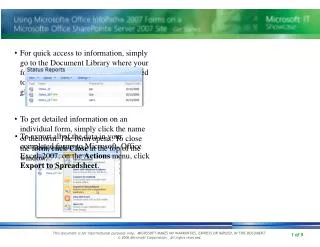
For quick access to information, navigate to the Document Library where your forms are stored. The fields promoted to column headings provide a data overview at a glance. To obtain detailed information about a specific form, simply click on its name to open it. To exit the form view, click "Close" at the top of the window. Additionally, to export all data from your completed forms to Microsoft Office Excel 2007, select "Export to Spreadsheet" from the Actions menu.

Quick Access to Document Library for Forms Information
E N D
Presentation Transcript
For quick access to information, simply go to the Document Library where your forms reside. Fields that were promoted to column headings give you data at a glance. • To get detailed information on an individual form, simply click the name of the form. The form opens. To close the form, click Close at the top of the window. • To export all of the data in your completed forms to Microsoft® Office Excel® 2007, on the Actions menu, click Export to Spreadsheet.