Download
1 / 10
100 likes | 218 Vues
This tutorial will guide you through the process of accepting your financial aid award on myTSU. Start by logging into the myTSU portal using your T-number and your six-digit birthdate as your initial password. Navigate to "Banner Services," then "View Financial Aid," and select the appropriate academic year. Once there, click on "Accept Award Offer" to accept your loans. If you have any questions, please contact the Department of Financial Aid at Tennessee State University.

E N D
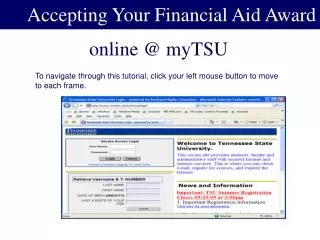
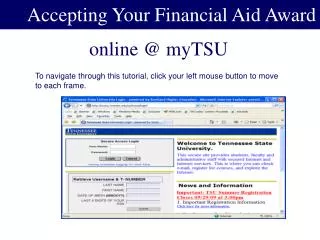
Award Accepting Your Financial Aid Award online @ myTSU To navigate through this tutorial, click your left mouse button to move to each frame.
Retrieve Username & Password • Goto mytsu.tnstate.edu – provide the information requested 2. The Username and T- Number will be displayed 3. Your initial password will be your six digit birthdate
To myTSU Award Login
Student’s On-Line View After logging into myTSU Select “Banner Services
View Financial Aid Click on “Financial Aid
Select the appropriate Aid Year: 2009-2010 Academic Year
Accept Awards Click “Accept Award Offer”
Now you are able to accept all or a portion of your loans
Contact Information Department of Financial Aid Floyd-Payne Campus Center Rm. 3433500 John A. Merritt Blvd. Nashville, TN 37209-1561 (615) 963-5701 Email: Finaid@tnstate.edu