Download
1 / 8
80 likes | 178 Vues
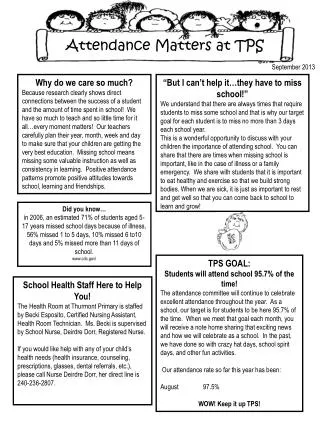
Learn how to comply with Federal Guidelines for verifying student attendance at Drew. Access Treehouse account, select courses, and report attendance on students with issues. Follow specific instructions to report attendance accurately. Ensure accurate reporting between Sept 12 - 22 for non-attendees and after for students who stopped attending. Follow-up actions explained for students in danger of failing or those no longer attending. Stay compliant for proper disbursement of Federal Aid.

E N D
Attendance taking at Drew In order to comply with Federal Guidelines regarding disbursement of Federal Aid, we are required to verify the attendance of our students
Where do I start? • Go into your account on Treehouse • Follow the Faculty Feedback Tab, Select the course for which to report attendance
Once you have selected a course, click on the “Provide Feedback” button to the left
You will see an arrow to the left of each name. Click that arrow to report attendance on that student –Note, you only need to report on students who have attendance issues, not on all students
Between September 12 – 22 please check any student who has never attended. Between September 23 and to the end of term, please select “ Stopped attending” and indicate in the comments box that student’s last date of attendance
Once you have completed this for all affected students in each of your courses, hit the “SUBMIT” button below
What happens next? • For students who have never attended, The Registrar’s office will send an email indicating they are in danger of failing the course and will need to drop it. • For those who stop attending, we will have your date information to confirm the appropriate date for return of Federal Funds.