
Uploaded by
june
4 SLIDES
138 VUES
40LIKES
Quick Setup Guide for Electronic Product Design
DESCRIPTION
This guide outlines the setup procedure for ePD, covering ls, grep, setup, and file location steps. Find and edit setup files with ease using these clear instructions. Invoke ePD through a quick command that takes just 5 minutes the first time. Don't forget to answer "yes" to the patch question!
Download
1 / 4
Télécharger la présentation 
Quick Setup Guide for Electronic Product Design
An Image/Link below is provided (as is) to download presentation
Download Policy: Content on the Website is provided to you AS IS for your information and personal use and may not be sold / licensed / shared on other websites without getting consent from its author.
Content is provided to you AS IS for your information and personal use only.
Download presentation by click this link.
While downloading, if for some reason you are not able to download a presentation, the publisher may have deleted the file from their server.
During download, if you can't get a presentation, the file might be deleted by the publisher.
E N D
Presentation Transcript
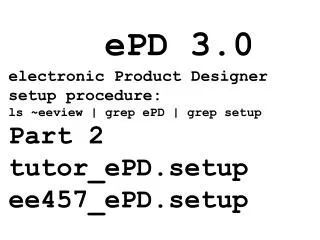
ePD 3.0electronic Product Designersetup procedure:ls ~eeview | grep ePD | grep setupPart 2tutor_ePD.setup ee457_ePD.setup
To find setup files in ~eeview • ls –lt ~eeview | grep ePD | grep setup
~eeview/tutor_ePD.setup ~eeview/ee457_ePD.setuppwdedit~/pv/vf/project.lst~/pv/tutor/vsslib.ini~/pv/ee457/vsslib.ini
Invoke ePD: dash command takes about 5 minutes for the first time!Answer "yes" to the patchquestion









More Related