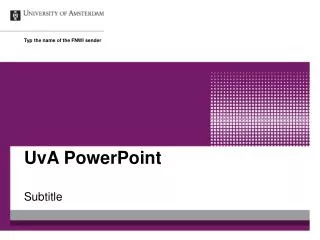
UvA PowerPoint
30 likes | 147 Vues
This guide outlines best practices for creating professional PowerPoint presentations using UvA's FMG sender. It emphasizes the importance of utilizing proper subtitle and bullet styles across five hierarchical levels to ensure clarity and structure. Additionally, it includes tips on appropriately incorporating images while adhering to standard slide layouts to maintain consistency. This approach not only enhances the aesthetic quality of the presentation but also improves audience engagement and comprehension. Utilize formatting effectively to convey your message powerfully.


UvA PowerPoint
E N D
Presentation Transcript
Type the name of the FMG sender UvA PowerPoint Subtitle
Bullit styles • The first level • The second level • The third level • The fourth level • The fifth level Type the footer here
Try to use the standard layout of the slide as much as possible when placing an image. Use of images Type the footer here